Cataracts PowerPoint Template






Template Preview
Designed for healthcare professionals creating clear and structured medical presentations.
Ideal for doctors, medical educators, and pharmaceutical teams preparing lectures, clinical education, product presentations, and training.
Fully editable in PowerPoint, allowing you to customize diagrams, charts, and slide layouts with your own medical content
Ready-to-use presentation structure that saves time and helps you build professional healthcare presentations quickly.
Fully Animated
Built-in animations help you present medical information clearly and make complex concepts easier to understand.
Editable Colors and Shapes
Editable colors and shapes help you easily customize the slides to match your content and presentation style, just drag and drop your content.
Professional medical layouts
Professional medical layouts help you organize clinical information, medical data, and treatment insights in a clear and structured way.

Created by Medical Professionals
This template prioritizes medical accuracy, clarity, and real-world usability. Each slide is designed with a medical audience in mind, helping you present clinical information, data, and treatment insights in a way that is structured, credible, and easy for healthcare professionals to understand.
Medical Training for Pharmaceutical & Life Sciences Companies
New hire training on Cataracts can start from the template's animated healthy-versus-clouded lens comparison rather than a training team sourcing its own ophthalmic imagery. Sales representatives study the cataract type classification, nuclear, posterior capsular, and cortical, and the surgical treatment sequence before they are cleared to hold promotional conversations with ophthalmologists and eye surgeons. The intraocular lens implantation walkthrough gives trainers a scientifically grounded baseline without needing a surgical illustrator on staff. Field readiness comes faster once new hires share that same clinically accurate starting point.

Medical Congress & Scientific Conference Presentations
The template's animated pathogenesis sequence gives ophthalmologists, eye surgeons, and academic Key Opinion Leaders a ready base for a congress session on cataract management, without assembling lens illustrations from separate imaging sources. A medical professor lecturing on surgical technique can use the cataract surgery and intraocular lens implantation slides to walk through the procedure step by step. The comparative type classification and epidemiology infographic give a clinical case presentation supporting context before the discussion moves to outcomes. Presenters arrive with an editable narrative ready for their own patient data.

Pharmaceutical Product & Medical Affairs Presentations
Medical Affairs teams supporting an ophthalmology portfolio can adapt the template's risk-factor and treatment-pathway slides to position where a product fits within cataract prevention or perioperative care. Medical Science Liaisons use the resulting materials in scientific exchange with ophthalmologists and optometrists, referencing the same pathogenesis and staging content those clinicians already recognize. Because the surgical and preventive content is separated, Medical Affairs can adjust emphasis for a specific product without redoing the underlying artwork. The material stays a compliant, editable starting point, with promotional review left to each customer's own process.

eLearning & SCORM Training Modules
Optometry and ophthalmology educators can customize the Cataracts template with their own institutional protocols and patient case examples, then optionally convert the finished presentation into a SCORM-compliant module for optometry students or vision care staff on an LMS. Until that customization happens, the base template is a framework, not a finished presentation. The anatomy, pathogenesis, classification, and treatment content is already sequenced for teaching, so a customized version becomes a certification-ready SCORM course without restructuring the underlying material. Where none of the existing structure fits, the RxSlides team can adjust scope, depth, or branding, or design a fully custom ophthalmology presentation from scratch.
Medical & Healthcare Education
Ophthalmology teaching gets a head start from the template's labeled eye anatomy, which shows students how a clouded lens changes light transmission without a faculty member rebuilding the illustration each term. Continuing education providers preparing CME on age-related eye disease benefit from the same type-classification and surgical-technique visuals, without recreating case material for every course. Patient educators adapting the prevention and self-care infographics for community sessions can simplify the same risk-factor content while keeping the underlying anatomy accurate. Students and patients alike leave with a clearer picture of how cataracts progress from cloudy lens to surgical correction.
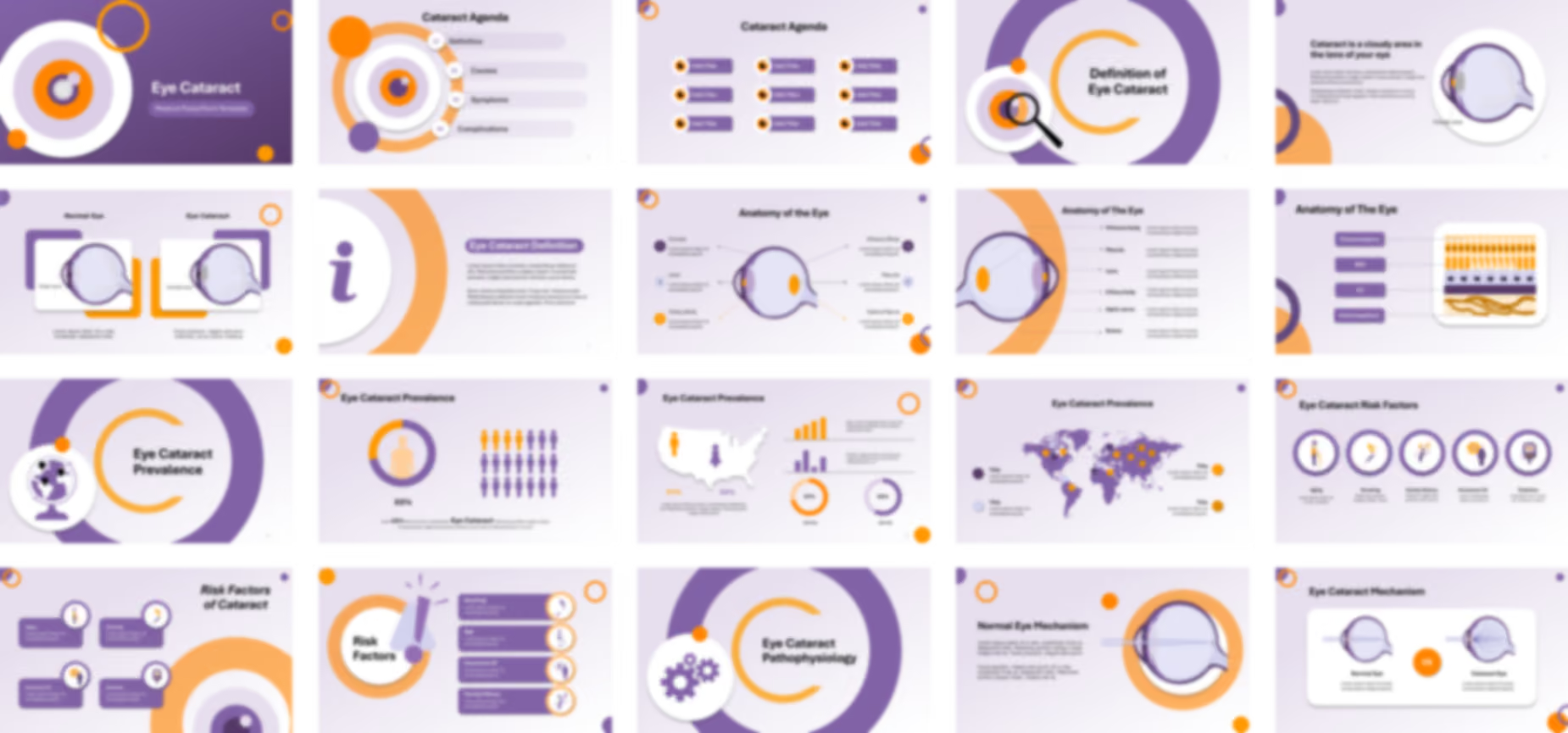


The Cataracts PowerPoint template opens with cover slides before an anatomical illustration labels the sclera, ciliary body, iris, pupil, cornea, lens, vitreous body, choroid, retina, macula, and optic nerve. A definition slide then describes a cataract as a cloudy area in the lens, using a comparative illustration to contrast the clear lens of a normal eye with the cloudy lens of a cataract eye.
The template visualizes prevalence on global and local levels through an editable infographic showing higher rates among older adults, before medical icons cover risk factors including disease, aging, environment, and personal behavior, and further icons detail causes such as lifestyle, overexposure, and eye trauma.
Animated slides explain the pathogenesis of cataracts, showing how clumps of protein or pigment accumulate in the lens and reduce light transmission to the retina, compared against how a normal eye focuses light through the optic nerve. Establishing this mechanism first gives educators a shared reference point before comparative illustrations classify nuclear, posterior capsular, and cortical types, and further slides visualize symptoms including light sensitivity, faded colors, and difficulty seeing at night.
The presentation covers complications from untreated hypermature cataracts, including complete vision loss, before animated slides illustrate cataract surgery through the cloudy lens, its removal, and IOL lens implantation. A closing set of editable PowerPoint icons details preventive methods, including eye exams, sunglasses, and avoiding smoking.
Ready To Transform Your Presentation ?
Pay once, use forever