Ataxia PowerPoint Template


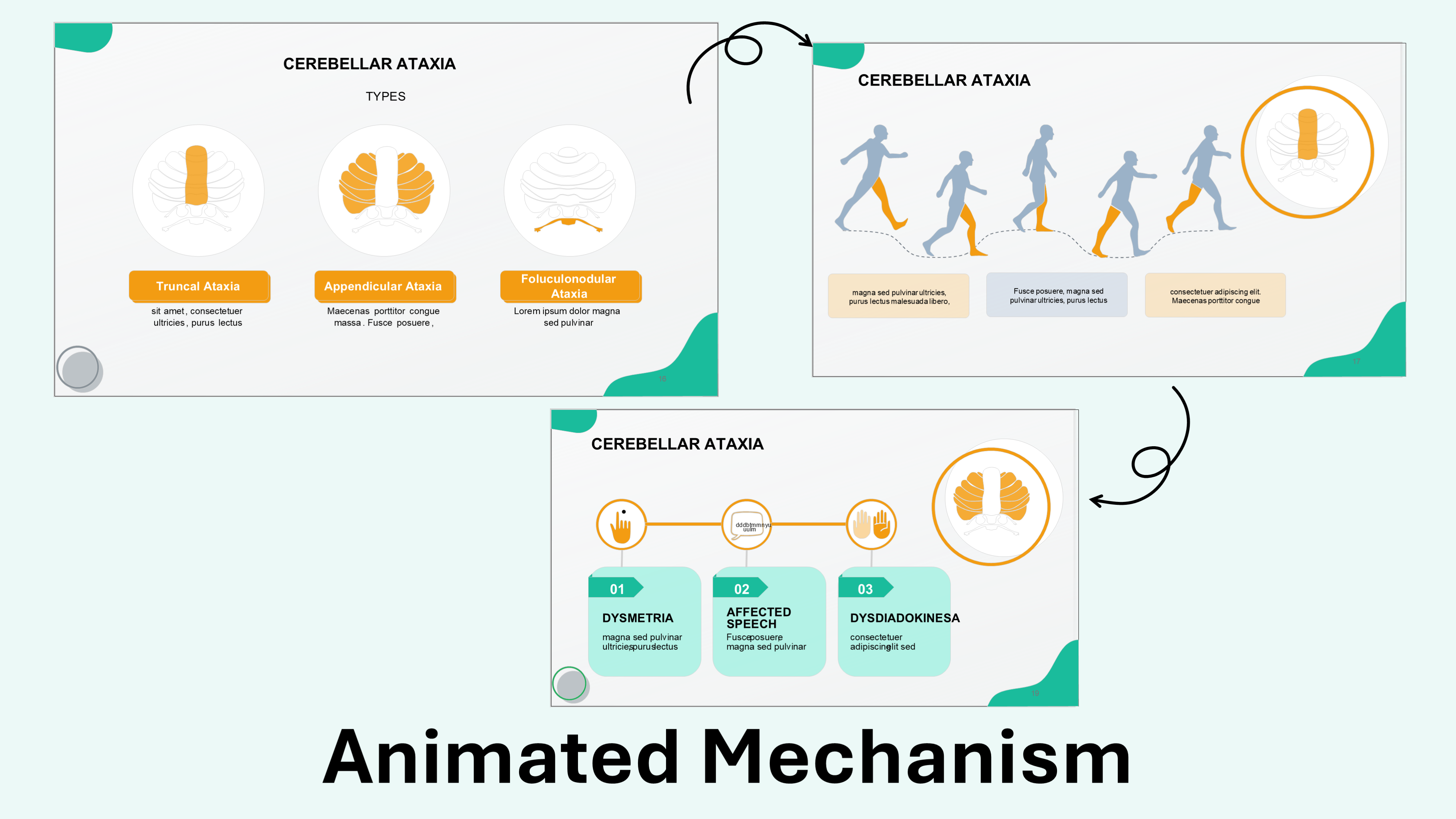
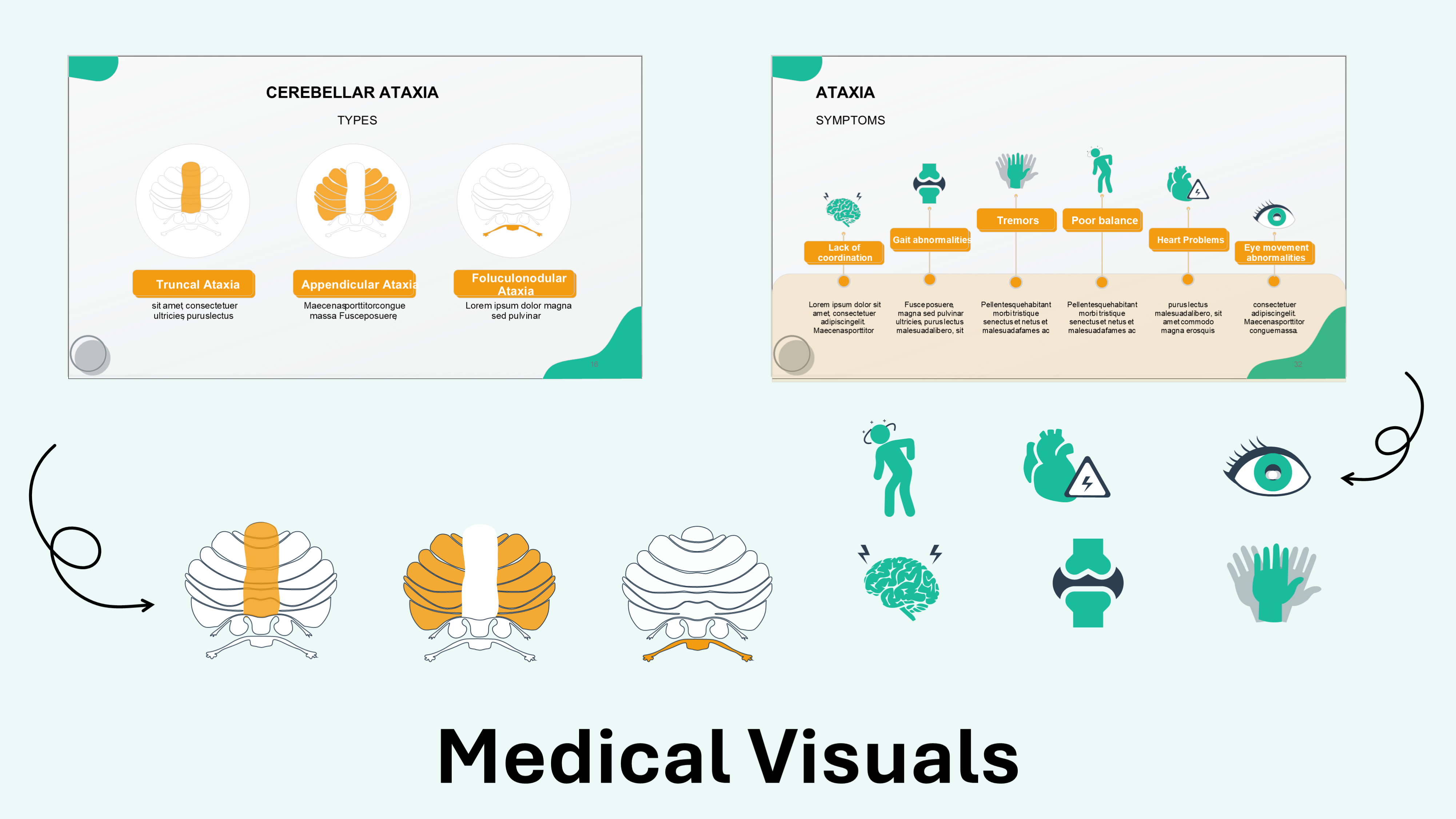




Template Preview
Designed for healthcare professionals creating clear and structured medical presentations.
Ideal for doctors, medical educators, and pharmaceutical teams preparing lectures, clinical education, product presentations, and training.
Fully editable in PowerPoint, allowing you to customize diagrams, charts, and slide layouts with your own medical content
Ready-to-use presentation structure that saves time and helps you build professional healthcare presentations quickly.
Fully Animated
Built-in animations help you present medical information clearly and make complex concepts easier to understand.
Editable Colors and Shapes
Editable colors and shapes help you easily customize the slides to match your content and presentation style, just drag and drop your content.
Professional medical layouts
Professional medical layouts help you organize clinical information, medical data, and treatment insights in a clear and structured way.

Created by Medical Professionals
This template prioritizes medical accuracy, clarity, and real-world usability. Each slide is designed with a medical audience in mind, helping you present clinical information, data, and treatment insights in a way that is structured, credible, and easy for healthcare professionals to understand.
Medical Training for Pharmaceutical & Life Sciences Companies
Internal training on ataxia for a neurology or rehabilitation-focused sales team can be assembled directly from this editable, animated template. It distinguishes cerebellar, sensory, and vestibular ataxia by mechanism, then covers the genetic, toxic, and infectious causes alongside diagnostic tools like MRI and genetic testing. Once trained on the finished material, sales representatives use that clinical grounding in promotional conversations with neurologists and rehabilitation specialists. Preparation time shortens and field messaging stays consistent, built on a foundation that is scientifically accurate from the start.
Medical Congress & Scientific Conference Presentations
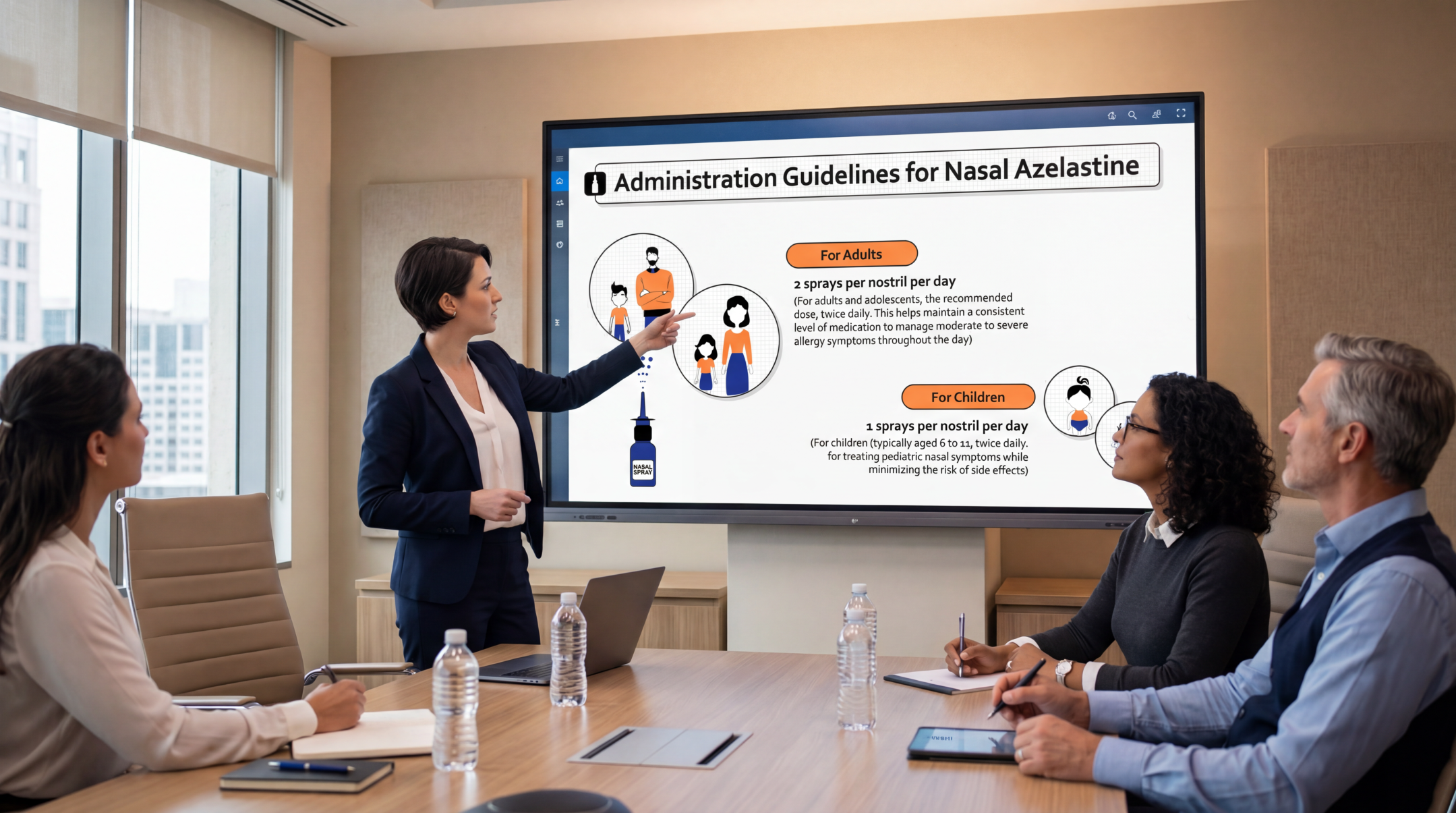
A hospital grand rounds or neuroscience seminar on ataxia can be built directly from this editable, animated template's cerebellar illustrations, sparing neurologists and rehabilitation Key Opinion Leaders the work of sourcing their own. The slides trace the anatomical distinction between vestibular, cerebellar, and sensory ataxia, then connect each type to its characteristic gait and coordination findings. A presenter's own case videos or imaging can be added without touching the underlying diagrams. Congress-ready neurology visuals let the speaker focus on the clinical story, not slide design.
Pharmaceutical Product & Medical Affairs Presentations
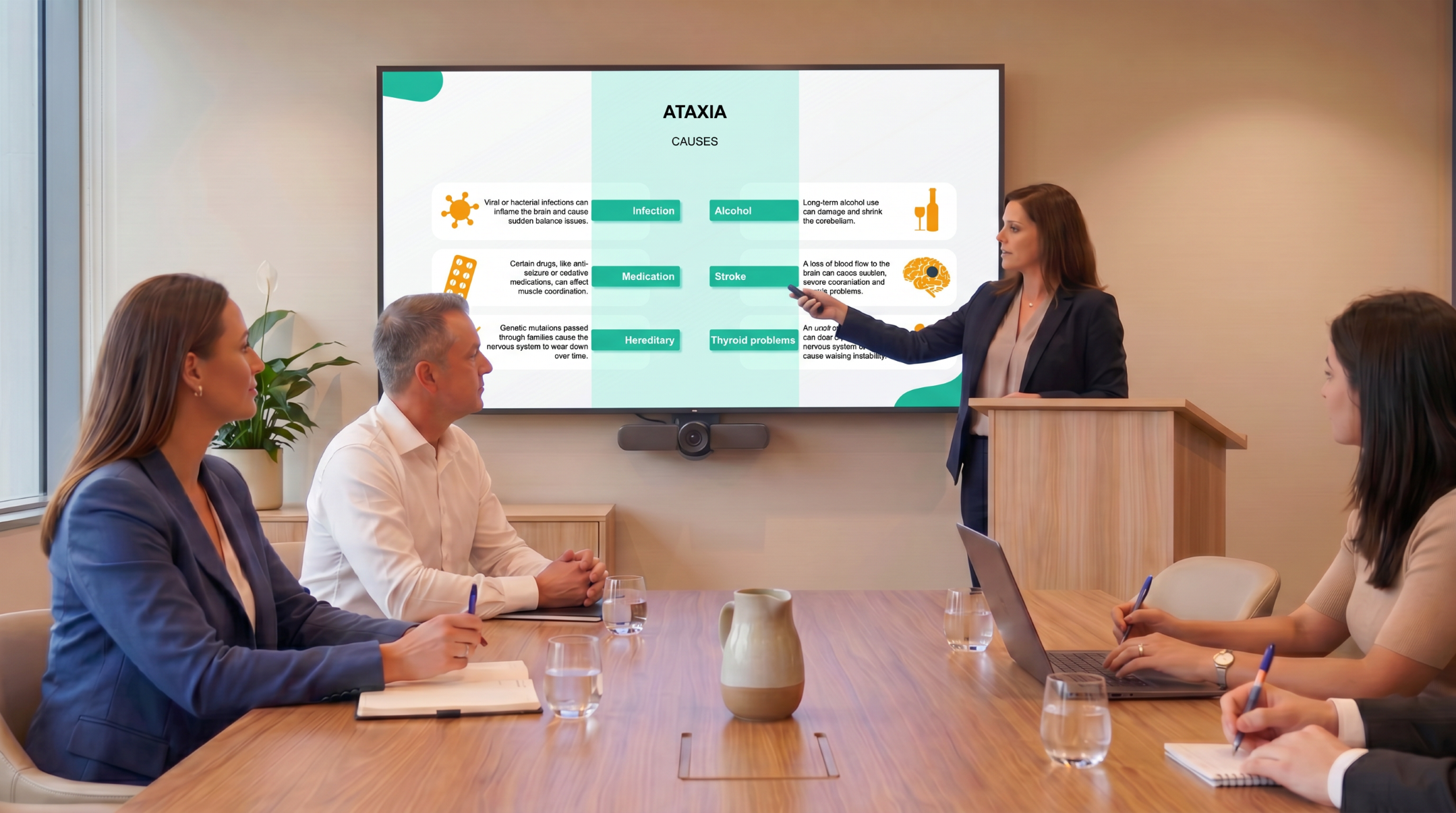
Internal training, scientific exchange resources, and clinical case discussion materials on ataxia can be drawn directly from this editable template, giving a neurology or rehabilitation Medical Affairs team one consistent source. It covers the three major ataxia subtypes, genetic and acquired causes, and the MRI and genetic testing pathway to diagnosis, giving Medical Affairs a framework to layer in their own clinical evidence. Medical Science Liaisons then carry the finished materials into scientific exchange with neurologists and rehabilitation physicians. The template stays an editable starting point, not a finished promotional asset, so the scientific story MSLs share stays consistent only after each company's own medical and compliance review.

eLearning & SCORM Training Modules
Rehabilitation staff, physical therapy students, and neurology nursing trainees train on a version of this editable template the buyer has customized with their own content, not the raw file. A SCORM-compliant Learning Management System conversion is available afterward, as an optional next step rather than the template's built-in state. Anatomy, classification, causes, diagnosis, and rehabilitation are already sequenced for teaching, shortening the path from a customized version to a certification-ready SCORM course. Where the standard template isn't the right fit, the RxSlides team can adjust its scope, depth, or branding for a specific program, or design a fully custom presentation from scratch.
Medical & Healthcare Education
Cerebellar diagrams do not need to be rebuilt each rotation: this editable template gives medical school faculty, physical and occupational therapy educators, and neurology residency directors a ready way to teach ataxia. It opens with the anatomical basis of vestibular, cerebellar, and sensory ataxia, then walks students through causes, clinical assessment, and diagnostic workup before covering rehabilitation strategies. The sequence gives ataxia a clear teaching arc for medical school, rehabilitation medicine, and CME settings, rather than a dense clinical reference. Depth can be set for a preclinical, clerkship, or therapy-training audience, with the same slides reused across cohorts, cutting prep time while giving trainees a more visual way to learn the material.
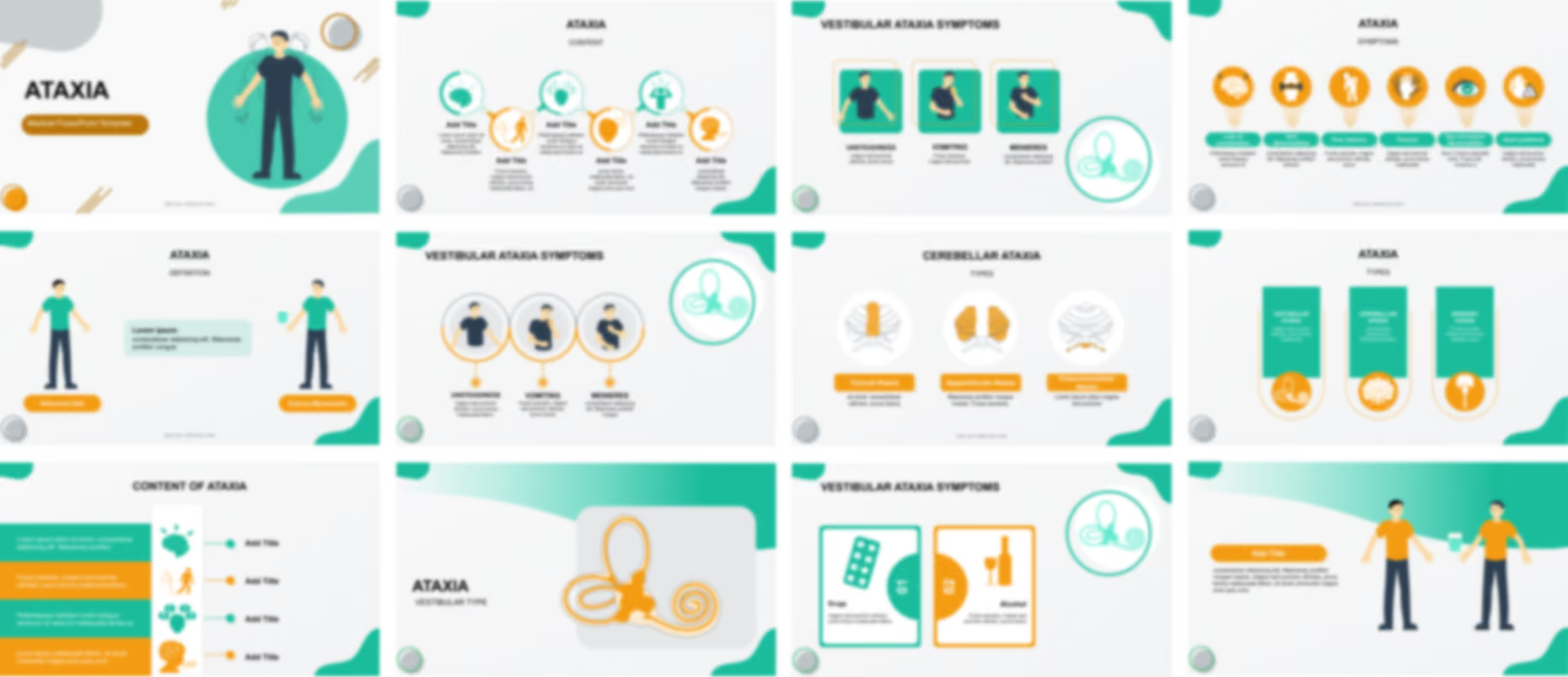
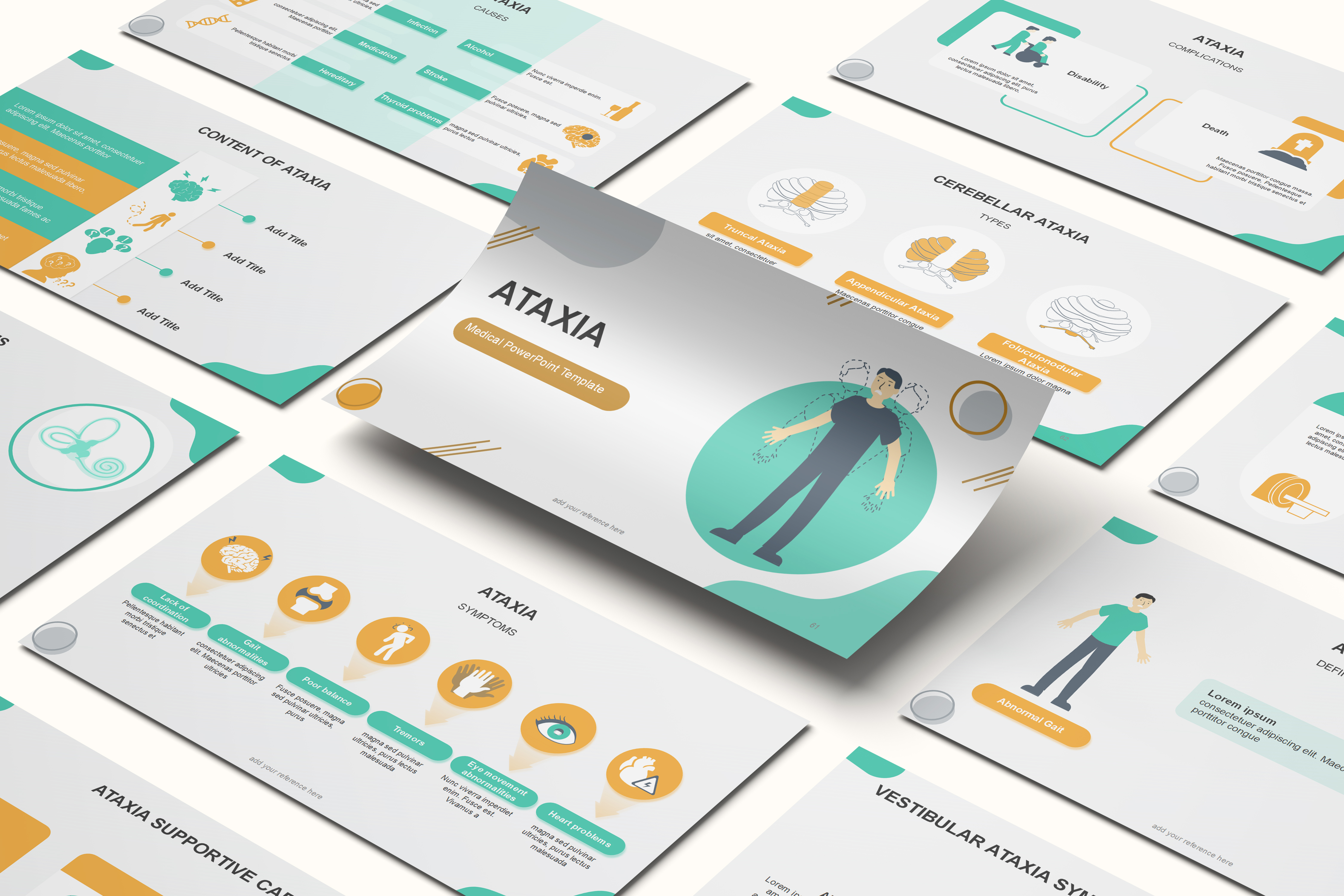
The Ataxia PowerPoint template opens with a title slide depicting tremor and unsteady movement before two navigation layouts outline the five main sections of the presentation. A definition section then pairs illustrated figures with editable text boxes to introduce abnormal gait and clumsy movement as the condition's two primary symptoms, establishing this clinical picture first before the sequence moves into the disease's three anatomical types.
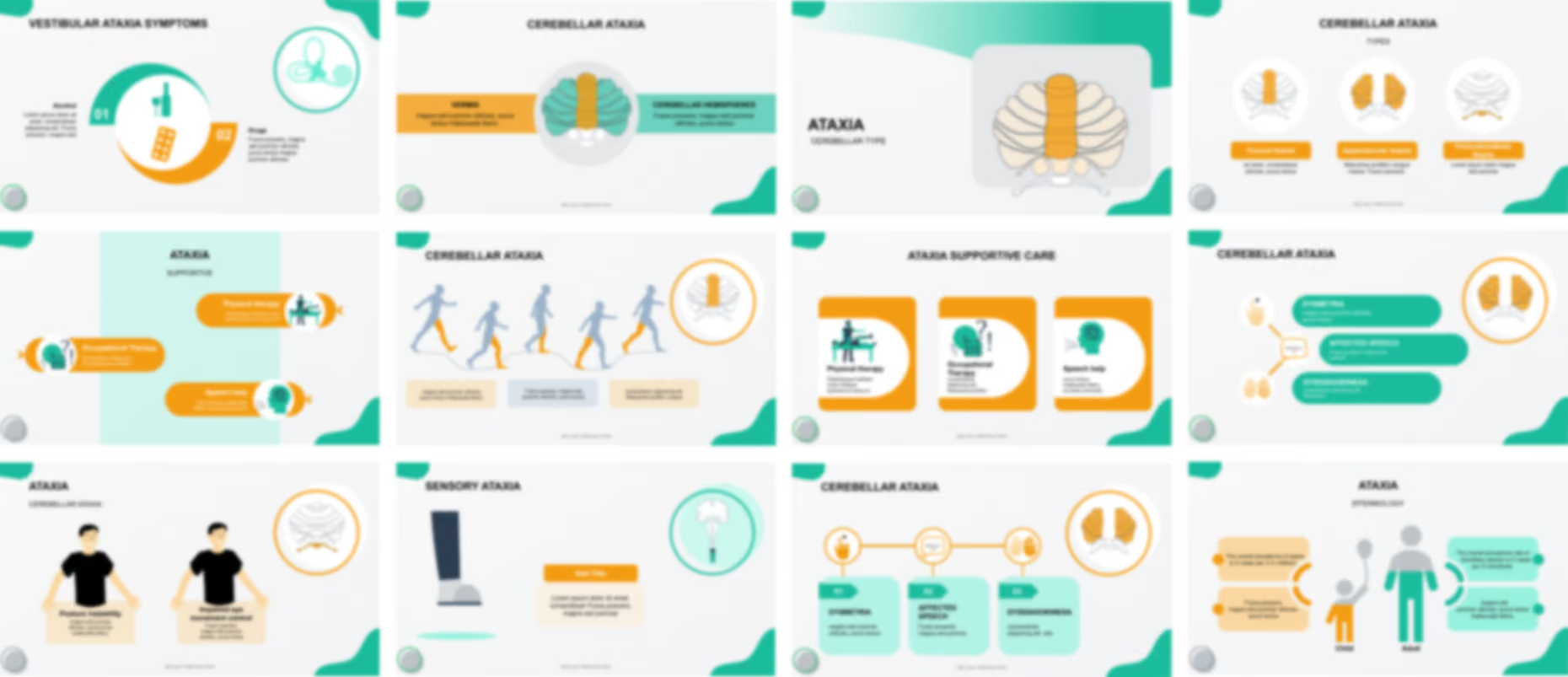
The template classifies ataxia into vestibular, cerebellar, and sensory types across a three column layout, then dedicates a cluster of slides to the vestibular form, covering the inner ear's vestibular system, its symptoms of unsteadiness and vomiting, and contributing factors like alcohol and certain drugs. It continues into cerebellar ataxia, illustrated through the vermis and cerebellar hemispheres, its truncal, appendicular, and flocculonodular subtypes, and gait, speech, and coordination symptoms shown across several editable diagrams.
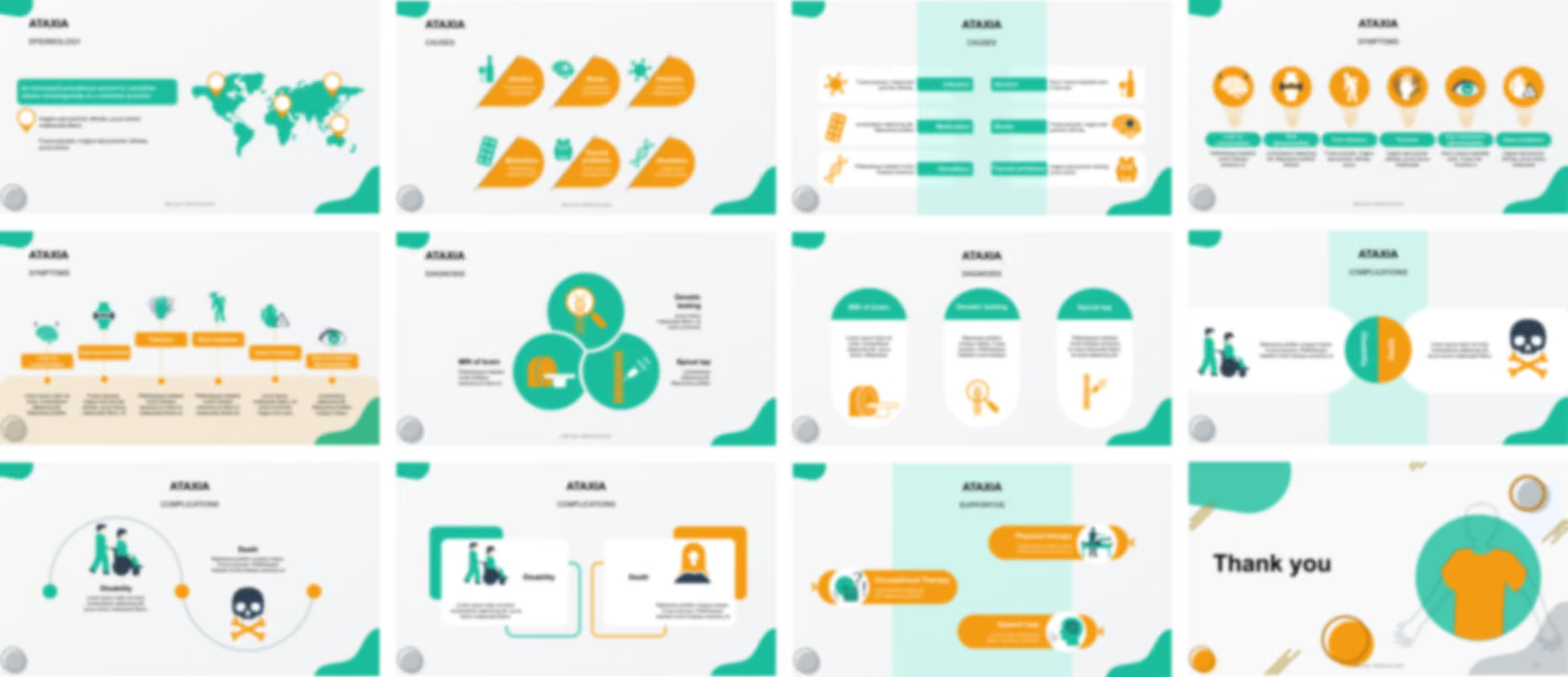
The presentation shifts to sensory ataxia with diagrams of the central nervous pathways and the foot and lower leg to show its impact on proprioception and balance, before an epidemiology section compares prevalence between children and adults and maps geographic distribution on a world map. Editable medical diagrams then group the six causes of ataxia, genetic, lifestyle, toxic, and infectious, into a DNA helix graphic and a quick reference matrix.
Symptom slides focus on upper extremity motor control, coordination, speech, and balance across six editable icons, before diagnostic content outlines MRI, genetic testing, and spinal tap in a three column layout. The presentation template closes with slides on major complications such as wheelchair dependence, and supportive care spanning physical, occupational, and speech therapy, ending with a thank you slide.
Ready To Transform Your Presentation ?
Pay once, use forever