Acne Vulgaris PowerPoint: Medical animated template
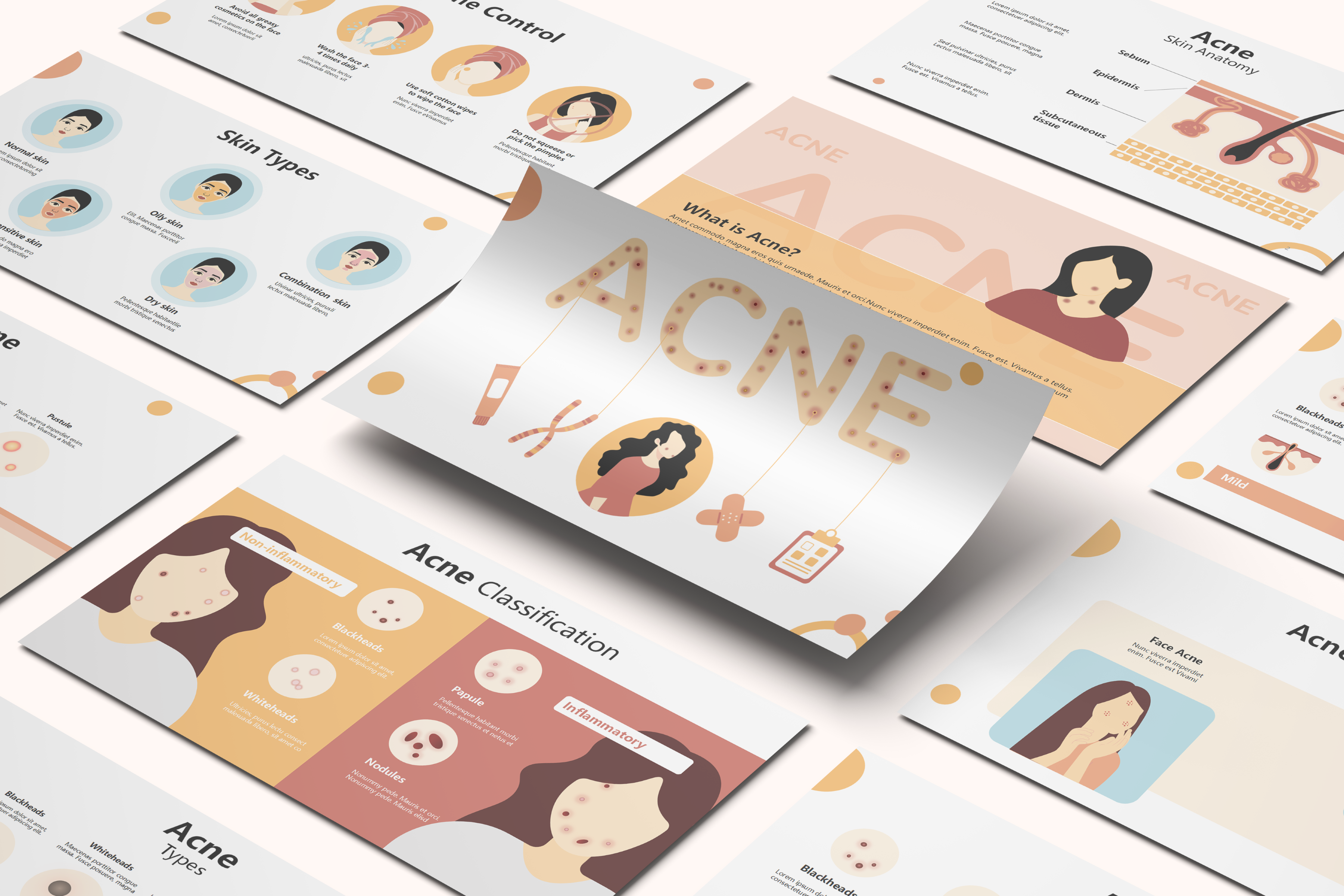
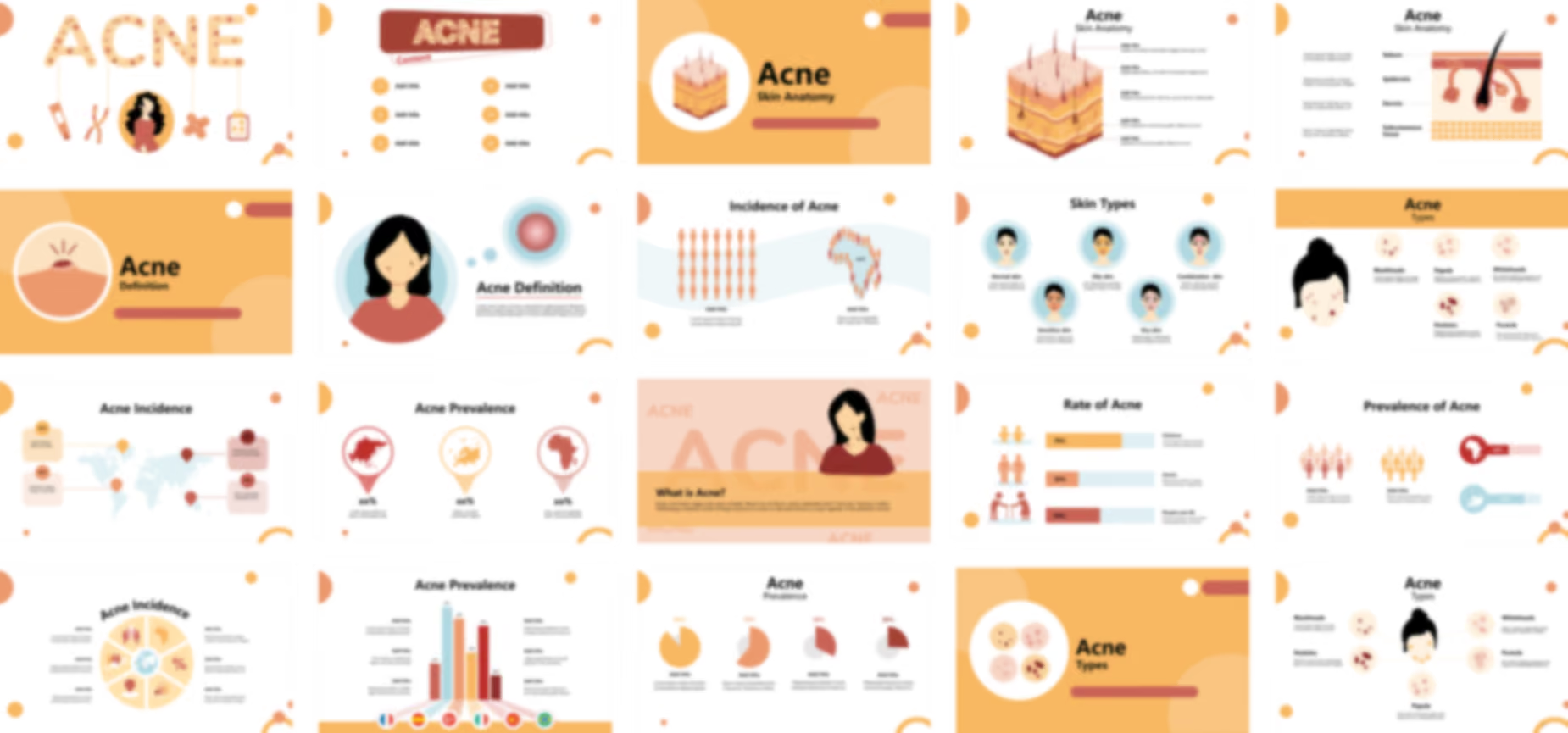
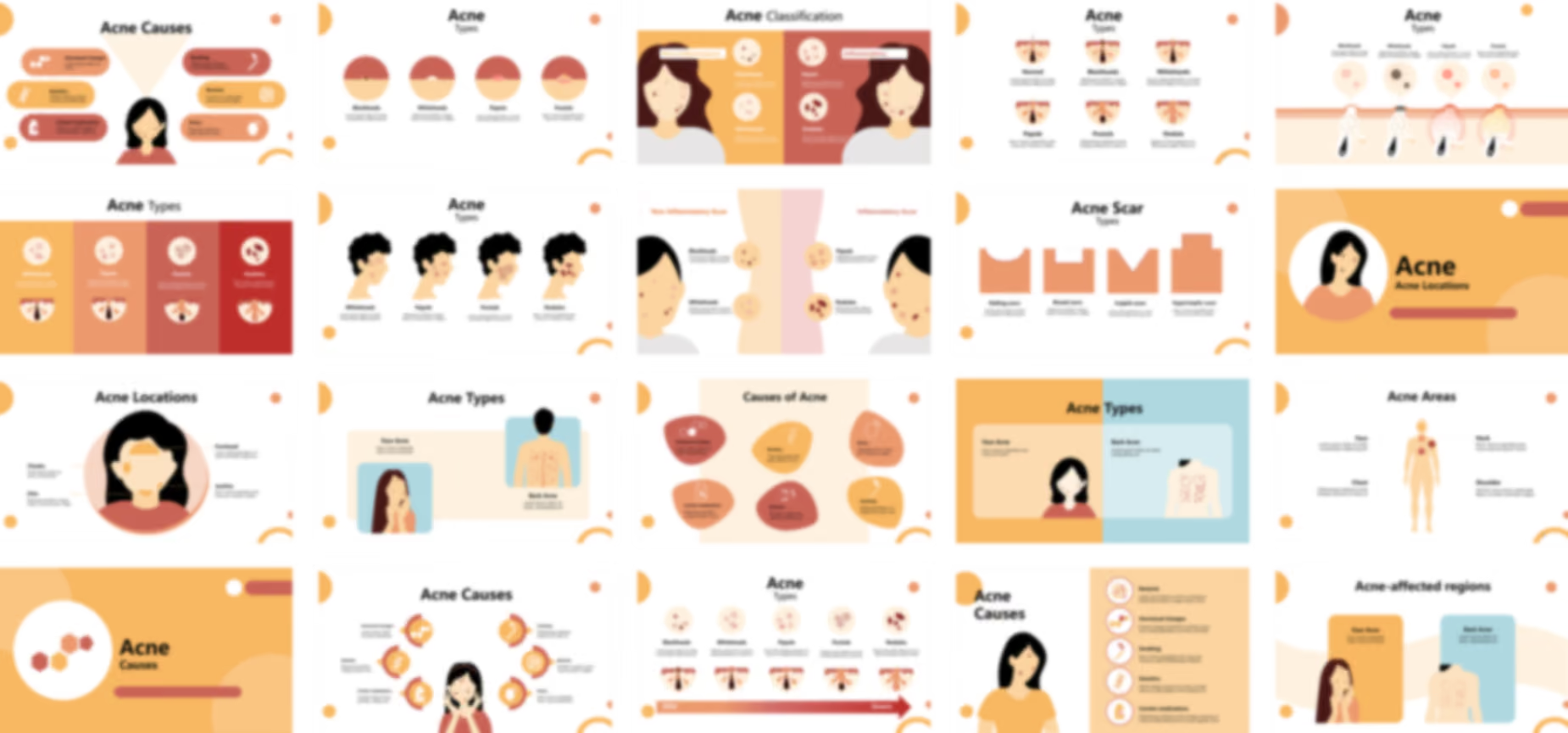
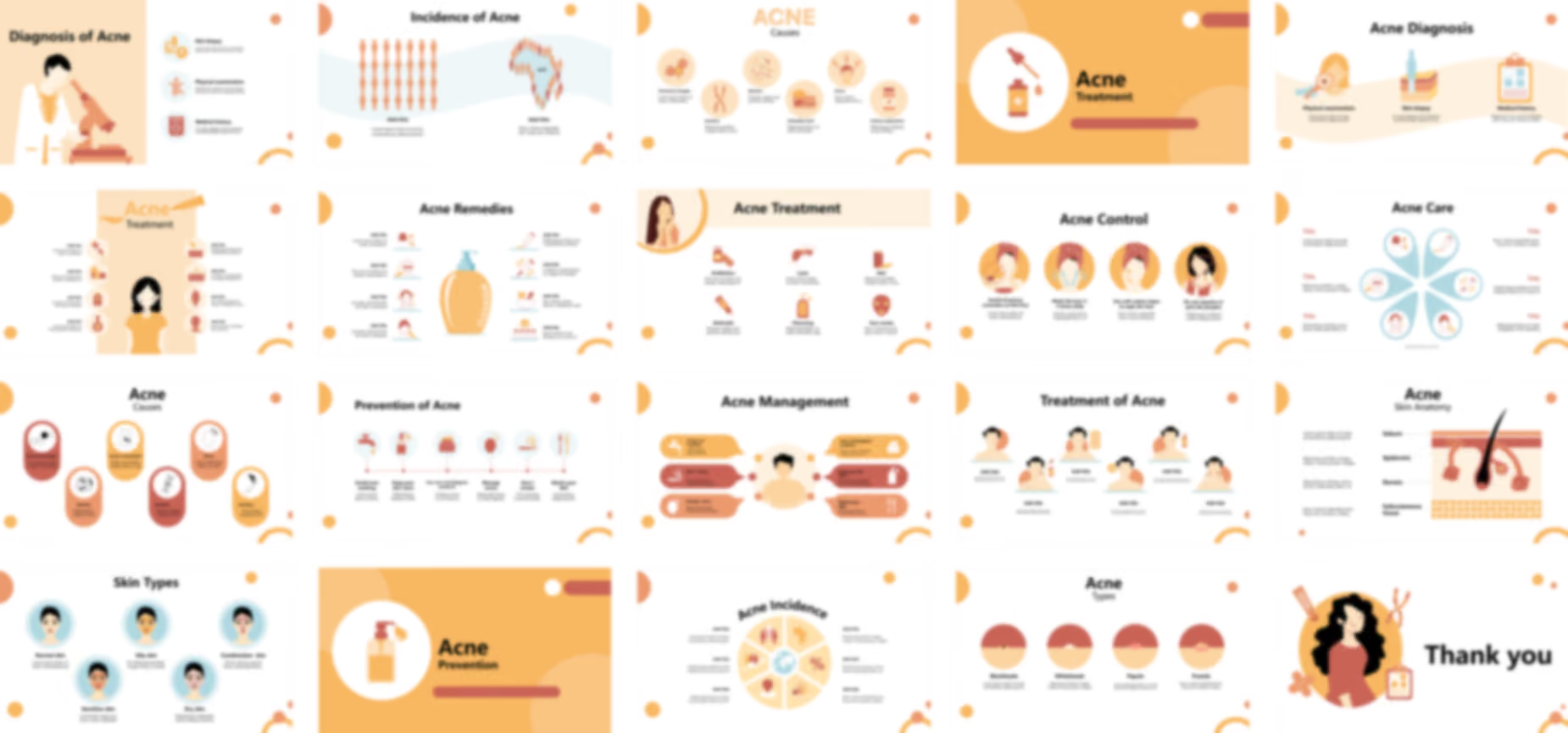
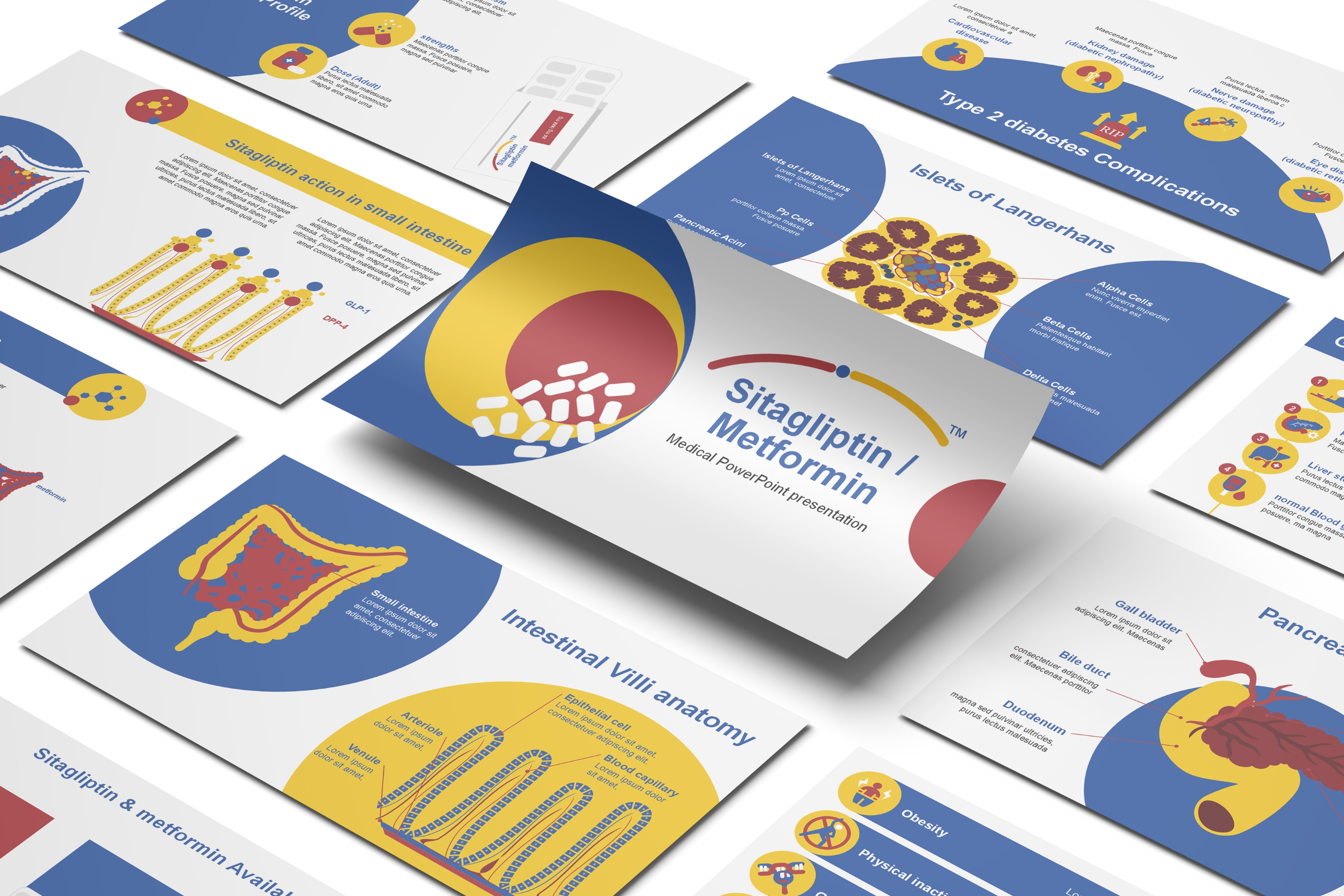
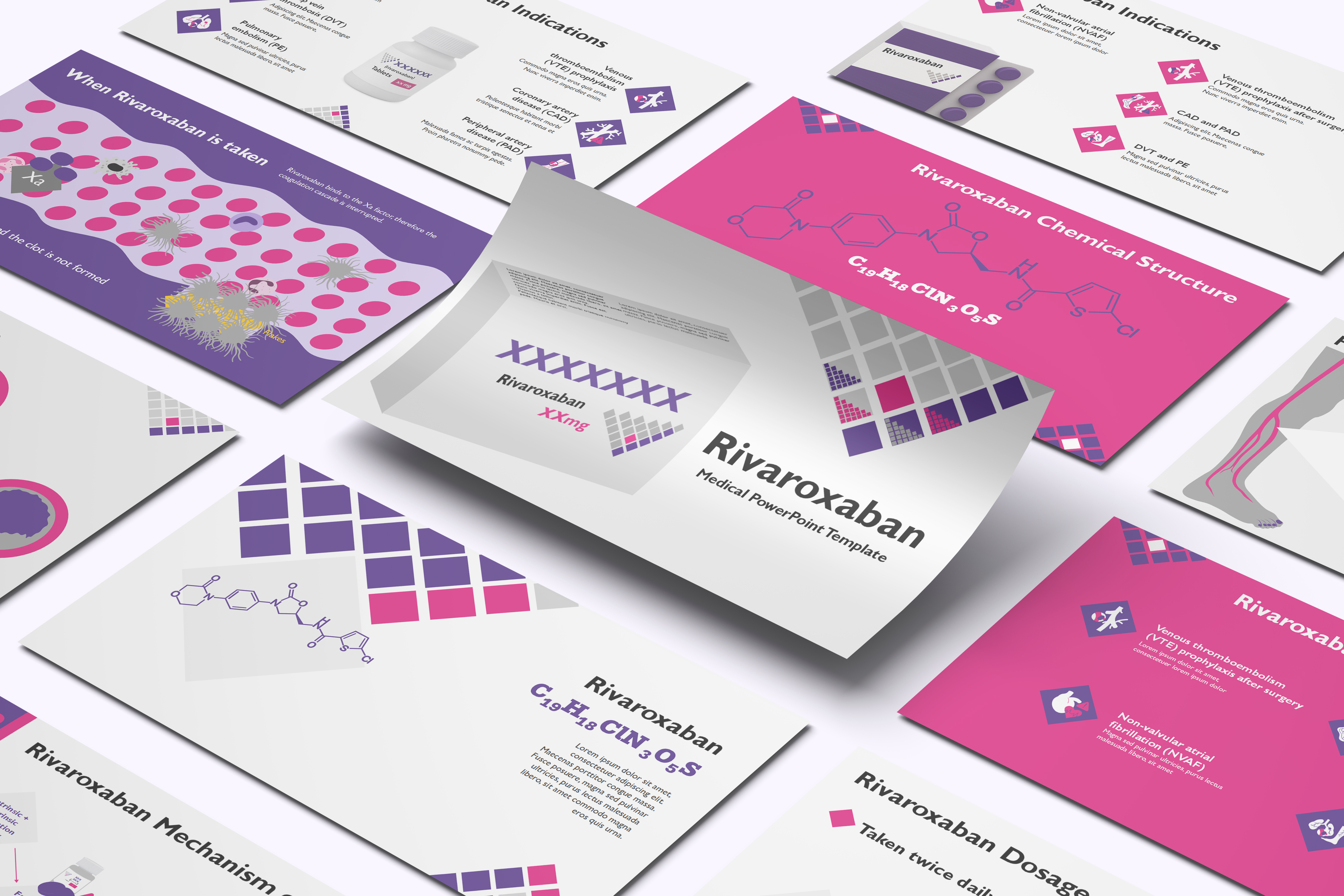
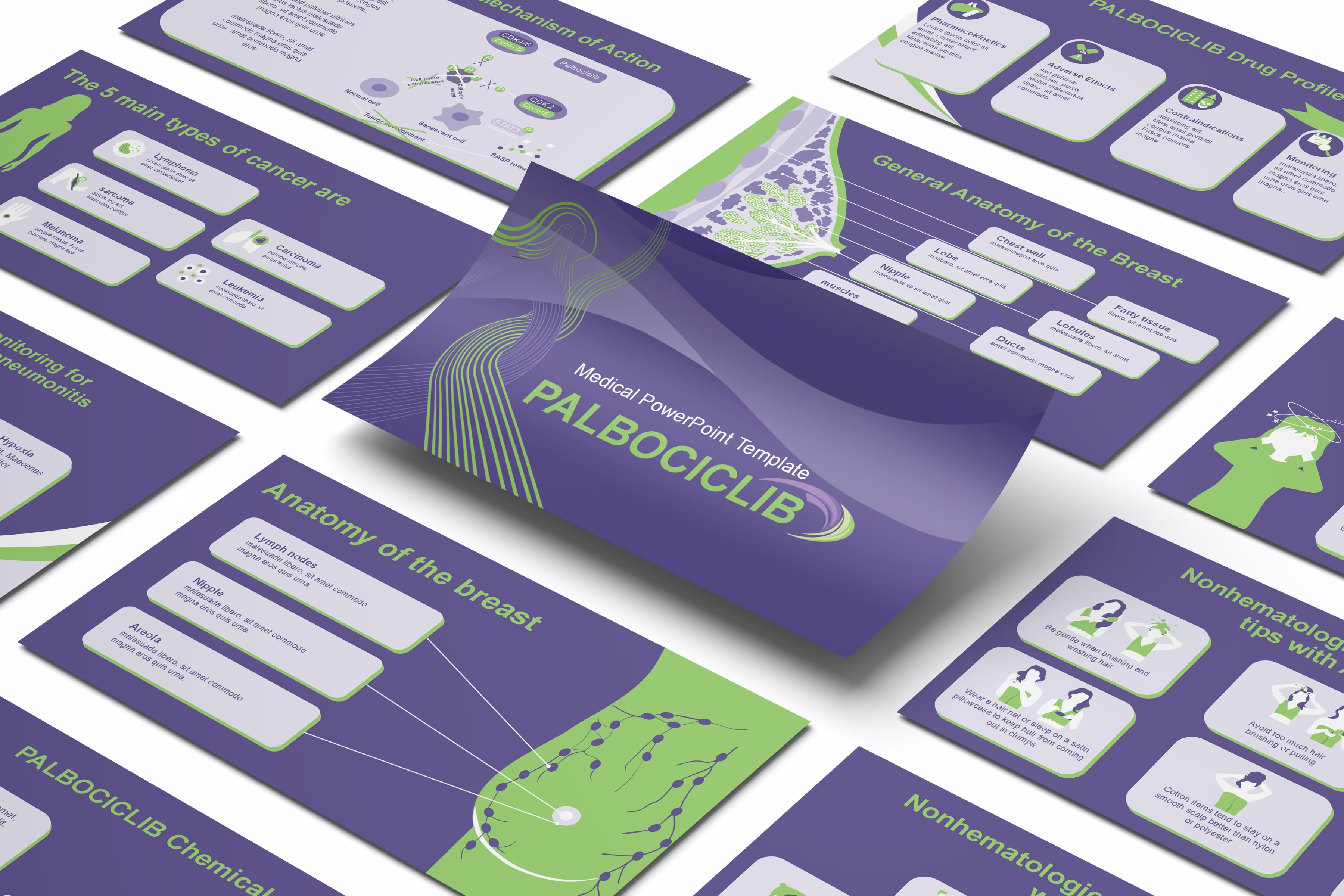
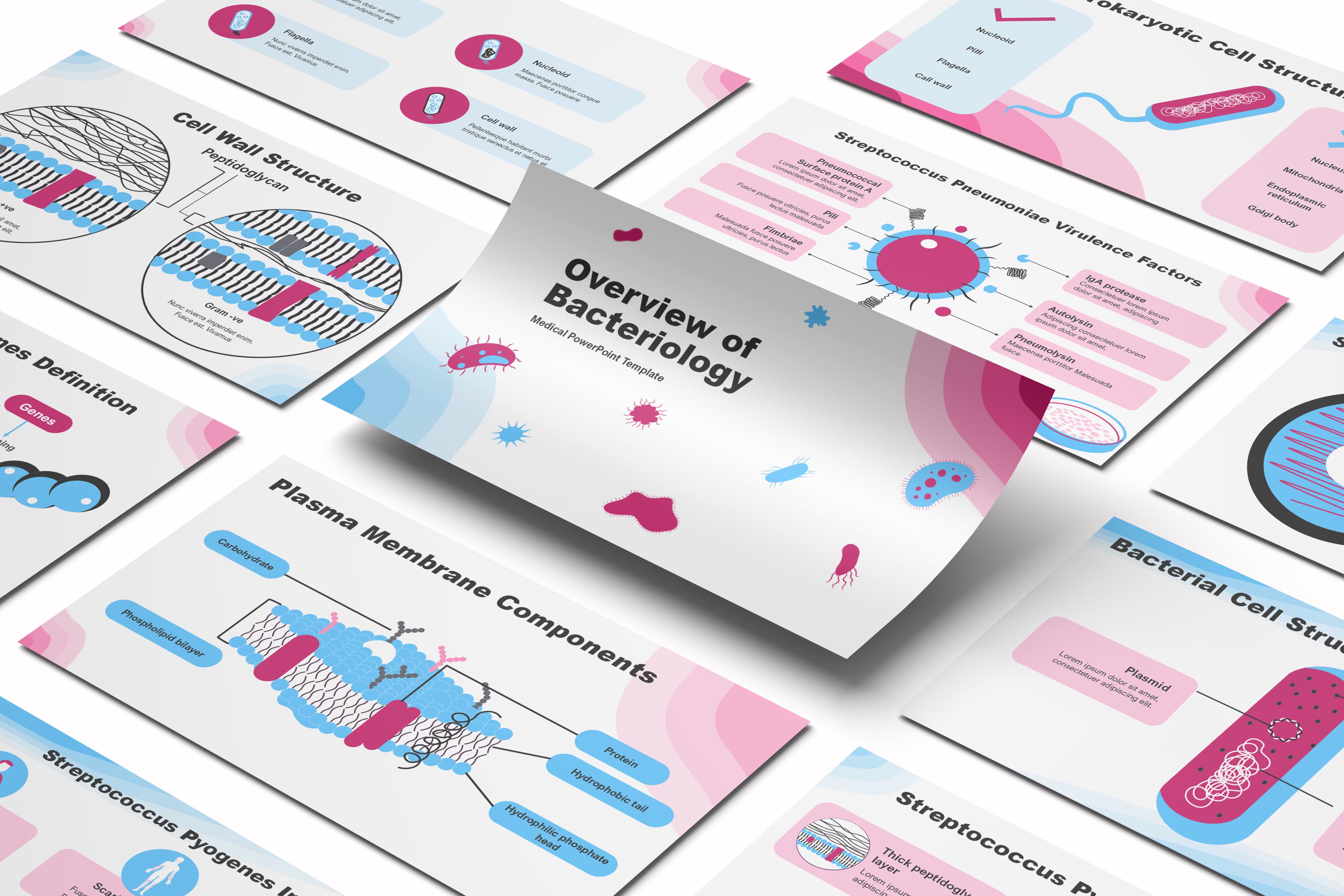
The Acne Vulgaris PPT template is a dynamic medical PowerPoint template designed by the RxSlides professional team to visualize different aspects of acne presentation and attract your audience.
You can rely on our demonstrated infographics to give your audience a dynamic and appealing Acne vulgaris presentation.
RxSlides brings your dermatology story to life with stunning, easy-to-use templates. Start exploring now.
From detailed illustrations of skin conditions to interactive animations of treatment processes, our Dermatology PowerPoint Template will transform your presentations into dynamic learning experiences for both your audience.
Slide 1: Title Slide
Title Slide
The bold, graphic text (literally illustrating acne on the letters!) paired with relatable medical icons—representing treatment, genetics, patient care, and healing—immediately tells your audience this presentation is relevant, comprehensive, and engaging.
Slide 2: Content
You can lay out your entire talk in six organized, numbered sections. The clean, circular design makes your content easy to follow at a glance, eliminating audience confusion.
The header prominently features the visually striking ACNE branding (with the illustrated lesions), reminding the audience of the topic while seamlessly transitioning from the cover slide.
Slide 3: Skin Anatomy Section Slide
Skin Anatomy Section Slide
You get a clean, high-quality vector illustration of the skin layers, including the hair follicle, sebaceous gland, and surrounding vessels. This makes complex dermal structures easy to point out and explain without needing to draw or annotate live.
The warm, consistent color palette (matching the overall template) keeps the slide inviting and engaging, avoiding the cold, sterile feel of typical medical diagrams.
Slide 4: Skin Anatomy
Skin Anatomy
You get a high-fidelity vector illustration of the skin, complete with built-in annotation lines. Simply replace the dummy text to label specific parts—like the stratum corneum, dermis, hair follicle, or sebaceous gland. Your audience immediately sees exactly what you're talking about.
Need to highlight a specific layer? Every element is editable. You can easily change colors or emphasize different structures without any prior design experience.
No need to search for accurate, high-resolution anatomy images. This professional slide is ready-made, ensuring you spend your time teaching the medical concept, not designing the visual.
Slide 5: Skin Anatomy alternate view
Use the precise labels—Sebum, Epidermis, Dermis, and Subcutaneous tissue—to clearly define the environment where acne pathology occurs. You can easily highlight the sebaceous gland and the follicle itself.
You can use the accompanying text boxes on the left to add your detailed notes on the function of each layer or the steps of acne formation.
Slide 6: Definition Section Introduction
Definition Section Introduction
A concise, authoritative header to signal the start of the clinical definition and etiology discussion.
Slide 7: Definition: What is Acne Vulgaris? (Text Layout 1)
Definition: What is Acne Vulgaris? (Text Layout 1)
Provides text slots for the concise, authoritative definition of Acne Vulgaris as a chronic inflammatory dermatosis of the pilosebaceous unit.
Ideal for materials that require strict alignment with global clinical and regulatory guidelines.
A focused layout to summarize the four main interacting drivers: increased sebum production, proliferation of C. acnes, inflammation, and follicular hyperkeratinization.
Provides a quick visual aid for executive or non-clinical audiences to grasp disease complexity and your targeted pathways.
Slide 9: Patient Skin Types
Patient Skin Types
Visually details different skin types (Oily, Dry, Sensitive, Combination), which critically influence treatment tolerability and patient adherence.
You can use this to explain why your product's formulation is suited for a specific, sensitive, or oily patient population.
Slide 10: Global Prevalence Section Introduction
Global Prevalence Section Introduction
A dedicated section introduction to pivot the narrative toward high-level epidemiological data, essential for justifying market size and investment.
An alternate graphic layout for incidence data, ideal for comparing your launch country data against global benchmarks or highlighting specific trends.
A third data presentation option, ensuring you have the flexibility to avoid redundancy across different regional pitch decks.
Slide 14: Rate of Acne by Age Group
Rate of Acne by Age Group
Clearly visualizes incidence rates across specific age groups (e.g., adolescent, adult, late-onset).
Supports discussions around the need for therapies addressing refractory or adult-onset acne, a growing segment.
Slide 15: Prevalence Data Visualization (Chart Variant 4)
Prevalence Data Visualization (Chart Variant 4)
A dedicated slide for presenting cumulative prevalence data using a clean, easily digestible chart format.
Slide 16: Prevalence Data Visualization (Chart Variant 5)
Prevalence Data Visualization (Chart Variant 5)
Another professional layout option focused on highlighting peak prevalence rates and specific patient populations.
Slide 17: Prevalence Data Visualization (Chart Variant 6)
Prevalence Data Visualization (Chart Variant 6)
This variant allows you to integrate your own comparative clinical data alongside global prevalence figures.
Slide 18: Prevalence Data Visualization (Chart Variant 7)
Prevalence Data Visualization (Chart Variant 7)
The final prevalence variant, ensuring you have a highly diverse toolkit of data visualization options to attract your audience attention.
Slide 19: Lesion Types Section Introduction
Lesion Types Section Introduction
A clear transition to the clinical morphology and classification of acne lesions, critical for treatment selection.
Slide 20: Primary Acne Lesions Visual Breakdown
Primary Acne Lesions Visual Breakdown
Visually dissects the key inflammatory and non-inflammatory lesions: Closed Comedones (Whiteheads), Open Comedones (Blackheads), Papules, Pustules, and Nodules/Cysts.
Enables clear correlation between lesion count reduction and the primary endpoint of your clinical study or product indication.
Slide 21: Lesion Type Classification Details (Visual Variant 1)
Lesion Type Classification Details (Visual Variant 1)
An alternate graphic layout for detailing the pathophysiology difference between Acne lesions.
Slide 22: Lesion Type Classification Details (Visual Variant 2)
A focused visual to emphasize the progression from a primary microcomedone to a severe nodule or cyst.
Slide 23: Inflammation vs. Non-Inflammation Classification (Layout 1)
Inflammation vs. Non-Inflammation Classification (Layout 1)
Categorizes lesions by inflammatory status, which is crucial for therapeutic differentiation (e.g., separating comedolytic vs. anti-inflammatory agents).
Slide 24: Inflammation vs. Non-Inflammation Classification (Layout 2)
Inflammation vs. Non-Inflammation Classification (Layout 2)
A different visual approach to reinforce the distinction, perfect for advanced sales training materials.
Whiteheads, Papules, Pustules & Nodules. You can use this clear visual template to differentiate between the four main types of acne, from mild superficial blemishes to severe deep lesions.
A specific slide designed to highlight Blackheads, Whiteheads, Papules, and Pustules on the skin level.
Slide 30: Acne Scar Types
Acne Scar Types
Illustrated diagram comparing and contrasting the main morphological types of atrophic and hypertrophic acne scars: Icepick, Boxcar, Rolling, and Keloid/Hypertrophic.
Supports clear visual differentiation for diagnosis, treatment planning, and patient education.
Slide 31: Acne Locations (Section Divider)
Acne Locations (Section Divider)
Transitional slide introducing the Etiology and Location section. Features an engaging female illustration to anchor the patient-focused discussion and mark the shift toward the patterns and causes of acne.
Slide 32: Acne Locations
Acne Locations
Detailed diagram illustrating common areas of acne presentation on the face, including the Forehead, Cheeks, Chin, and Jawline.
Allows for annotation of specific patient or demographic patterns and connects location to hormonal or lifestyle factors.
Slide 33: Acne Types (Location Based)
Acne Types (Location Based)
Compares and contrasts the presentation of acne based on major anatomical locations: Face Acne versus Back Acne (Acne Vulgaris).
Uses symmetrical illustrations to differentiate severity, common lesion types, and implications for systemic versus topical treatment approaches.
Slide 34: Acne-Affected Regions (Alternate Layout)
Acne-Affected Regions (Alternate Layout)
Alternate layout emphasizing the difference between Face Acne and Back Acne.
Slide 35: Affected Regions (Comparative Split-Screen)
Affected Regions (Comparative Split-Screen)
Third design variation using a vibrant, split-screen background to clearly compare and contrast Face Acne and Back Acne.
Slide 36: Acne Areas (Full Body View)
Acne Areas (Full Body View)
Full-body diagram identifying common regions affected by acne beyond the face, including the Neck, Chest, and Shoulder.
This visual is essential for demonstrating the widespread nature of the condition and guiding systemic treatment discussions for truncal acne (acne of the trunk).
Slide 37: Acne Causes (Section Divider)
Acne Causes (Section Divider)
Clean divider slide marking the transition to the crucial Etiology and Pathogenesis segment.
Features a stylized chemical/molecular graphic, setting a professional tone for the discussion of hormonal, bacterial, and inflammatory causes of acne.
Slide 38: Acne Causes (Infographic Layout)
Acne Causes (Infographic Layout)
Comprehensive infographic detailing the multifactorial etiology of acne.
Presents key contributing factors—including Hormonal changes, Genetics, Medications, Smoking, Bacteria (P. acnes), and Stress—around a central patient illustration.
Slide 39: Acne Causes (List/Vertical Layout)
Acne Causes (List/Vertical Layout)
Alternate layout providing a clean, vertical list of major acne causes (Bacteria, Hormonal changes, Smoking, Genetics, Medications).
Uses distinct icons for each factor alongside an illustration of facial acne, ideal for concise summaries or rapid content delivery.
Slide 40: Acne Causes (Central Diagram)
Acne Causes (Central Diagram)
Infographic layout presenting key etiological factors clustered around a central patient illustration.
This design uses color-coded horizontal capsules for Hormonal changes, Genetics, Medications, Smoking, Bacteria, and Stress, visually emphasizing the complexity and multi-directional nature of acne pathogenesis.
Slide 41: Causes of Acne (Cell Diagram)
Causes of Acne (Cell Diagram)
Infographic presenting the six primary contributing factors of acne (Hormonal changes, Genetics, Stress, Certain medications, Bacteria, and Smoking) using a Cell or oval diagram layout.
This design emphasizes the multifactorial nature of the disease, suitable for visually explaining how multiple factors converge to cause breakouts.
Slide 42: Acne Causes (Extended Circular Diagram)
Acne Causes (Extended Circular Diagram)
Extended circular infographic layout identifying seven key etiological factors: Hormonal changes, Genetics, Bacteria, Unhealthy food, Stress, and Certain medications.
The inclusion of Unhealthy food broadens the scope to include lifestyle and dietary contributors, suitable for patient counseling and holistic presentations.
Slide 43: Acne Causes (Vertical Pill Layout)
Acne Causes (Vertical Pill Layout)
A visually engaging diagram to illustrate the influence of lifestyle and external factors on acne exacerbation.
Slide 44: Acne Diagnosis (Section Divider)
Acne Diagnosis (Section Divider)
Transitional slide marking the start of the Diagnosis and Clinical Evaluation section.
Features a strong visual motif related to the skin to set the context for investigative and grading content.
Slide 45: Diagnosis of Acne
Diagnosis of Acne
Outlines the core diagnostic workflow for acne, highlighting essential steps: Medical history, Physical examination, and in certain cases, Skin biopsy.
Features an illustration of a clinician using a microscope and corresponding icons to detail the methods used for clinical evaluation and confirmation.
Slide 46: Acne Diagnosis (Icon Triptych)
Acne Diagnosis (Icon Triptych)
Visual layout summarizing the three primary components of acne diagnosis: Physical examination, Skin biopsy (illustrating the technique), and Medical history.
Uses distinct, professional icons and dedicated text boxes for each method, ideal for comparing and contrasting their roles in clinical assessment.
Slide 47: Acne Treatment (Section Divider)
Acne Treatment (Section Divider)
Professional transitional slide introducing the Treatment and Management section.
Features a strong visual icon of a medical dropper bottle, setting the context for discussion on topical, systemic, and procedural therapeutic approaches.
Slide 48: Acne Treatment (Comprehensive Overview)
Acne Treatment (Comprehensive Overview)
Detailed diagram providing a comprehensive overview of acne treatment modalities, including topical medications (creams, tubes), systemic medications (pills), and in-office procedures (laser, peels, injections).
Features a central patient illustration with surrounding icons and editable text boxes for annotating specific drugs or treatment regimens.
Slide 49: Acne Remedies (Cleanser Focus)
Acne Remedies (Cleanser Focus)
Infographic presenting a wide array of acne remedies surrounding a central cleanser/treatment bottle icon.
The remedies include oral medications, cosmetic procedures, self-care, herbal/natural treatments, and topical agents, emphasizing a holistic or multi-product approach to acne management.
Slide 50: Acne Care (Flower Diagram)
Acne Care (Flower Diagram)
Visual diagram using a seven-petal 'flower' design to organize the different pillars of acne management.
This includes medications (oral and topical), procedural treatments (injections, light therapy), and self-care regimens, providing a balanced, comprehensive, and highly editable treatment algorithm overview.
Slide 51: Treatment of Acne (Patient Workflow)
Treatment of Acne (Patient Workflow)
Sequential diagram illustrating various steps and methods in the treatment of acne through patient illustrations, including oral medication, topical application, and ongoing self-care routines.
Slide 52: Acne Treatment (Core Modalities Grid)
Acne Treatment (Core Modalities Grid)
Clean, modern grid layout summarizing six primary treatment and management modalities: Antibiotics, Retinoids, Laser, Cleansing, Diet, and Face masks.
Slide 53: Acne Prevention (Section Divider)
Acne Prevention (Section Divider)
Transitional slide marking the start of the final clinical section dedicated to Prophylaxis and Long-Term Skin Health.
Features a prominent icon of a pump bottle (representing cleansers or daily care products).
Slide 54: Prevention of Acne (Timeline)
Prevention of Acne (Timeline)
Clear, horizontal timeline illustrating six key preventative and lifestyle strategies: Avoid over washing, Keep your skin clean, Use non-comedogenic products, Manage stress, Don't smoke, and Watch your diet.
Slide 55: Acne Management (Bubble Infographic)
Acne Management (Bubble Infographic)
Infographic presenting six key management and lifestyle pillars for long-term acne control, including Avoid over washing, Don't smoke, Manage stress, Use non-comedogenic products, Keep your skin clean, and Watch your diet.
The bubble layout, centered on a patient illustration, effectively visualizes comprehensive patient counseling points.
Slide 56: Acne Control (Summary/Self-Care)
Visual summary slide detailing four essential daily self-care rules for acne management: Avoid all greasy cosmetics, Wash the face 3–4 times daily, Use soft cotton wipes to wipe the face, and Do not squeeze or pick the pimples.
This slide is ideal for patient takeaways or concluding the prevention section.
Slide 57: Thank You
Thank You
A clean, branded slide for your final pitch sign-off.
Features of the Template
- 100% editable PowerPoint template. - Editable colors, you can change according to your presentation style and company branding guidelines.
Purchase Template
Purchase the fully editable PowerPoint open file template