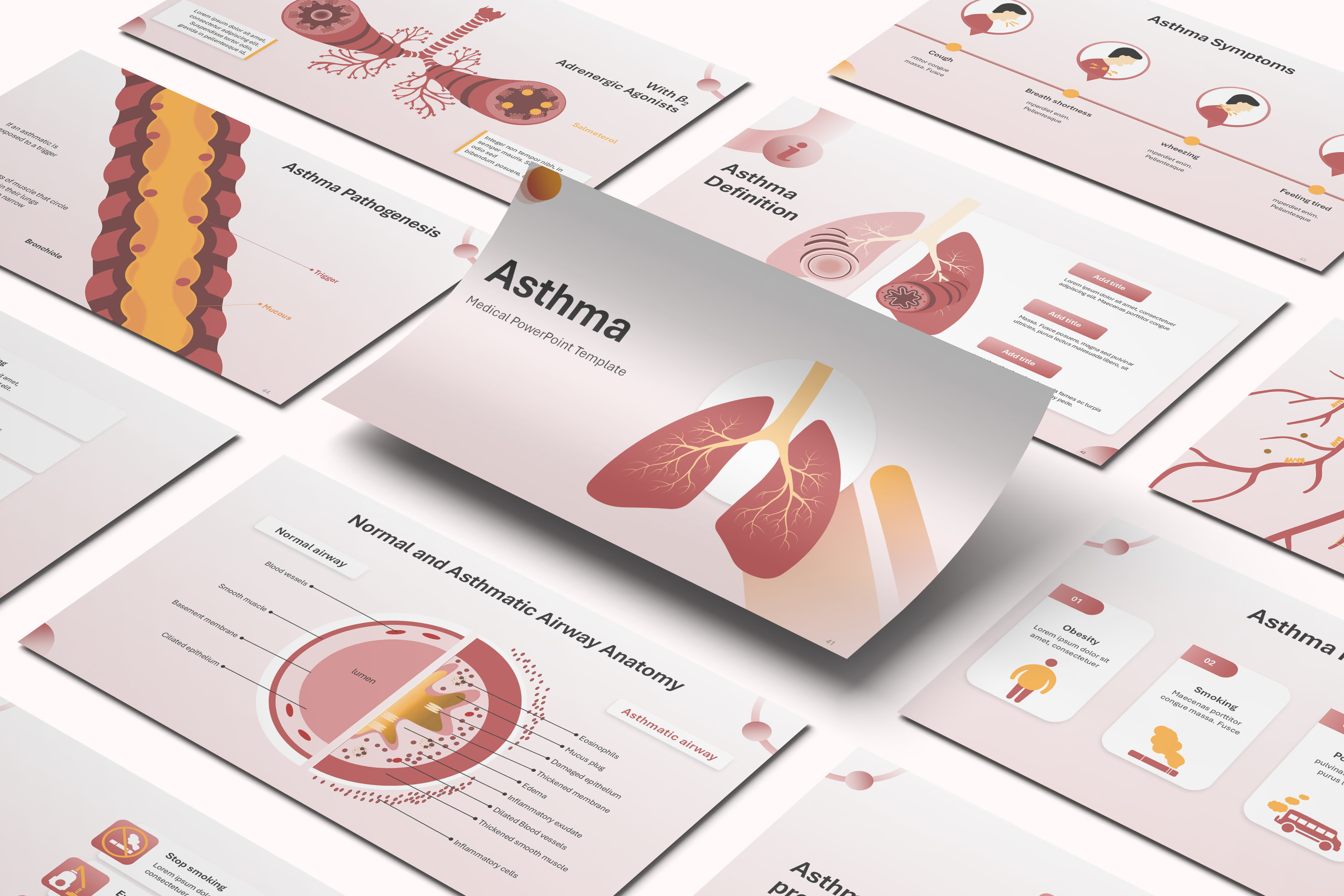
Asthma PowerPoint Template





Template Preview
Designed for healthcare professionals creating clear and structured medical presentations.
Ideal for doctors, medical educators, and pharmaceutical teams preparing lectures, clinical education, product presentations, and training.
Fully editable in PowerPoint, allowing you to customize diagrams, charts, and slide layouts with your own medical content
Ready-to-use presentation structure that saves time and helps you build professional healthcare presentations quickly.
Fully Animated
Built-in animations help you present medical information clearly and make complex concepts easier to understand.
Editable Colors and Shapes
Editable colors and shapes help you easily customize the slides to match your content and presentation style, just drag and drop your content.
Professional medical layouts
Professional medical layouts help you organize clinical information, medical data, and treatment insights in a clear and structured way.

Created by Medical Professionals
This template prioritizes medical accuracy, clarity, and real-world usability. Each slide is designed with a medical audience in mind, helping you present clinical information, data, and treatment insights in a way that is structured, credible, and easy for healthcare professionals to understand.
Medical Training for Pharmaceutical & Life Sciences Companies
Respiratory-focused pharmaceutical companies preparing internal training on asthma have a ready starting point in this editable, animated PowerPoint template. It compares normal and asthmatic airways at the anatomical level, walks through the three-step allergen-triggered inflammatory cascade, and covers mechanism-of-action animations for leukotriene antagonists, long-acting beta-agonists, and montelukast. The pharmacology grounding sales representatives gain from the finished material carries directly into their promotional conversations with pulmonologists and respiratory physicians. Preparation time drops and field messaging stays consistent, since the foundation is scientifically accurate from the outset.

Medical Congress & Scientific Conference Presentations
Pulmonologists and respiratory Key Opinion Leaders preparing a congress talk or academic seminar on asthma can adapt this editable, animated template's airway comparison diagrams instead of assembling their own. The slides trace the cellular mechanism of airway inflammation and bronchoconstriction, then connect that biology to severity classification and trigger-based subtypes. A presenter's own case data or spirometry results fit into the existing slides without touching the underlying animations. Congress-ready respiratory visuals let the speaker focus on the clinical story, not slide design.

Pharmaceutical Product & Medical Affairs Presentations
This editable template supports a respiratory Medical Affairs team's internal training, scientific exchange resources, and clinical case discussion materials on asthma. It covers airway pathophysiology, severity classification, and the mechanism behind leukotriene antagonists and long-acting beta-agonists, giving Medical Affairs a framework to layer in their own clinical evidence. Medical Science Liaisons then carry the finished materials into scientific exchange with pulmonologists and respiratory therapists. An editable starting point rather than a finished promotional asset, the template supports a consistent scientific story across MSLs once each company completes its own medical and compliance review.

eLearning & SCORM Training Modules
Respiratory therapy students, nursing staff, and pharmaceutical sales trainees learn from a customized version of this editable template, built by the buyer first. A SCORM-compliant conversion for a Learning Management System is an optional next step after that, not something the base template already provides. The teaching sequence, anatomy through mechanism, symptoms, and treatment, is already built in, so a customized version reaches certification-ready SCORM status faster than a course built from scratch. The RxSlides team can further tailor the template's scope, depth, or branding for a specific program, or, when nothing existing fits, build a fully custom presentation from scratch.
Medical & Healthcare Education
This editable template spares medical school faculty, nursing educators, and respiratory therapy program directors from rebuilding airway diagrams each term when teaching asthma. It opens with a side-by-side comparison of normal and asthmatic airways, then walks students through the inflammatory mechanism, risk factors, and severity-based classification before covering diagnosis and treatment. The sequence gives asthma a clear teaching arc for medical school, nursing, and respiratory therapy settings, rather than a dense clinical reference. Course-level pacing is adjustable, and the same slides reuse across future cohorts, saving faculty prep time while giving students a more visual way to learn the material.
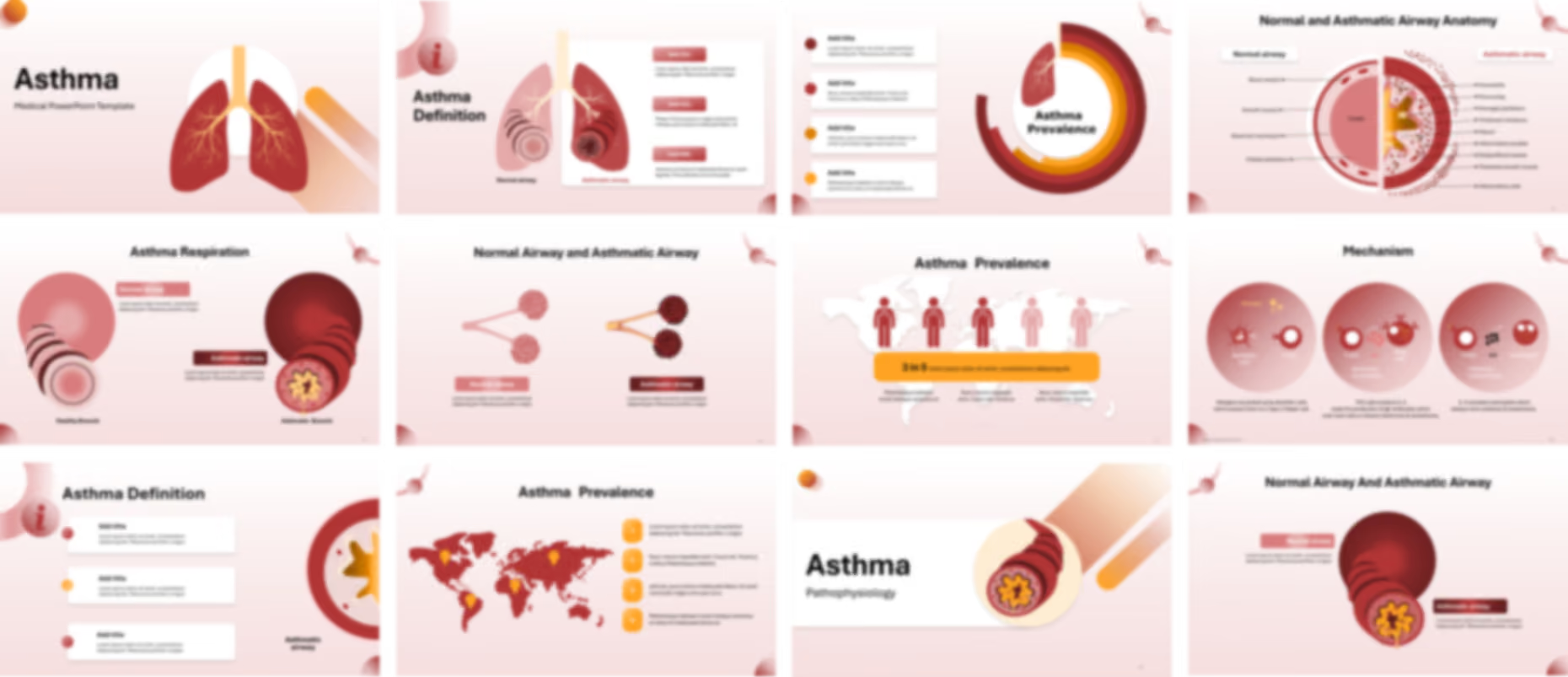
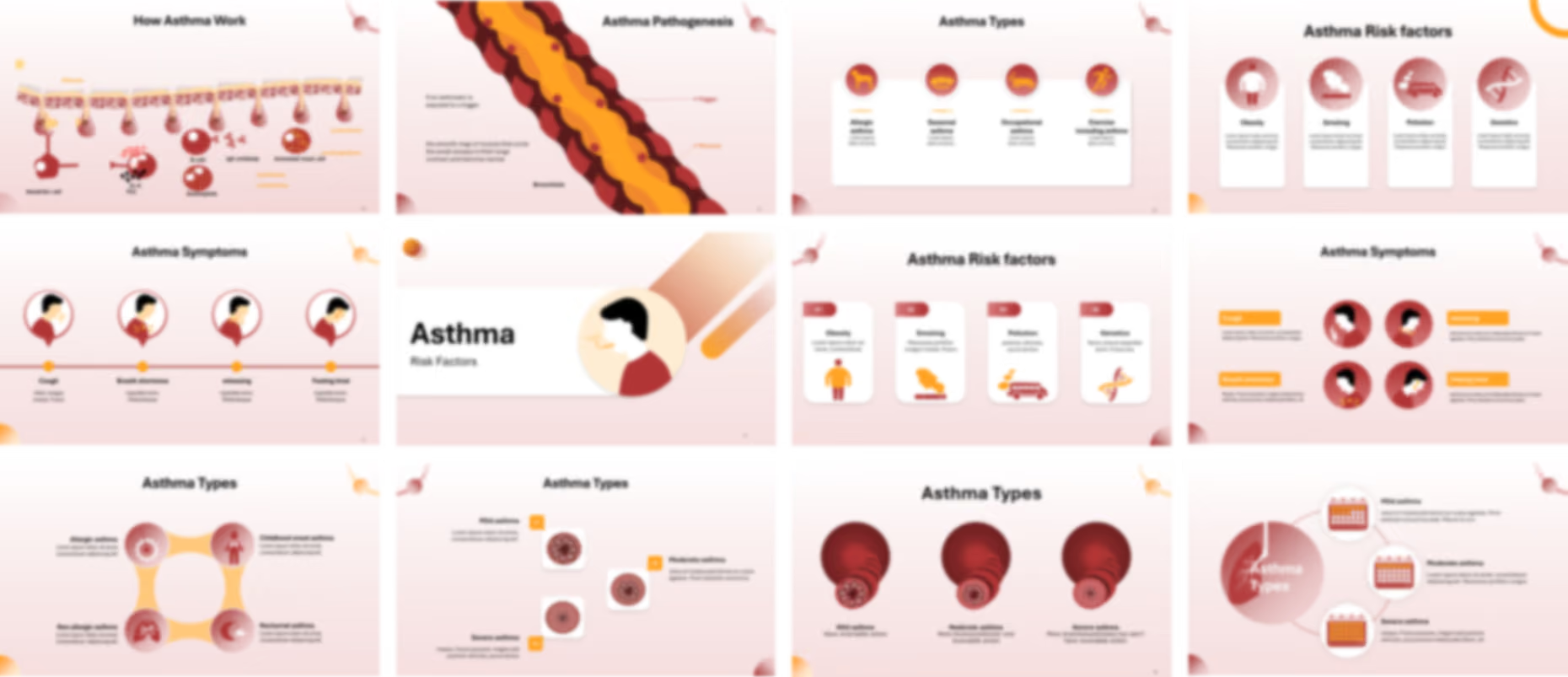
The Asthma PowerPoint template opens with a title slide featuring the bronchial tree, then defines the condition through a side by side comparison of a normal airway and a constricted asthmatic one. Establishing this visual foundation first, the sequence continues with editable diagrams isolating key airway characteristics, a detailed anatomical breakdown, and magnified views of the bronchi and alveoli that show inflammation and mucus buildup at each level of the respiratory tract.
The template then quantifies how common asthma is across four prevalence slides, moving from a global scope graphic through a ring chart, a world map, and a pictogram illustrating a 3 in 5 ratio. A mechanism section follows with editable diagrams walking through the three step cellular process that triggers an attack, plus two further views of the airway lining and a contracting bronchiole that show exactly how a trigger narrows the passage.
The presentation pairs symptom slides using pictogram icons and a linear timeline to highlight cough, wheezing, and breath shortness, while risk factor diagrams cover obesity, smoking, pollution, and genetics across two alternate layouts. Six further slides classify asthma by severity, frequency, and trigger, giving presenters mild, moderate, and severe airway comparisons alongside allergic, exercise induced, and nocturnal variants.
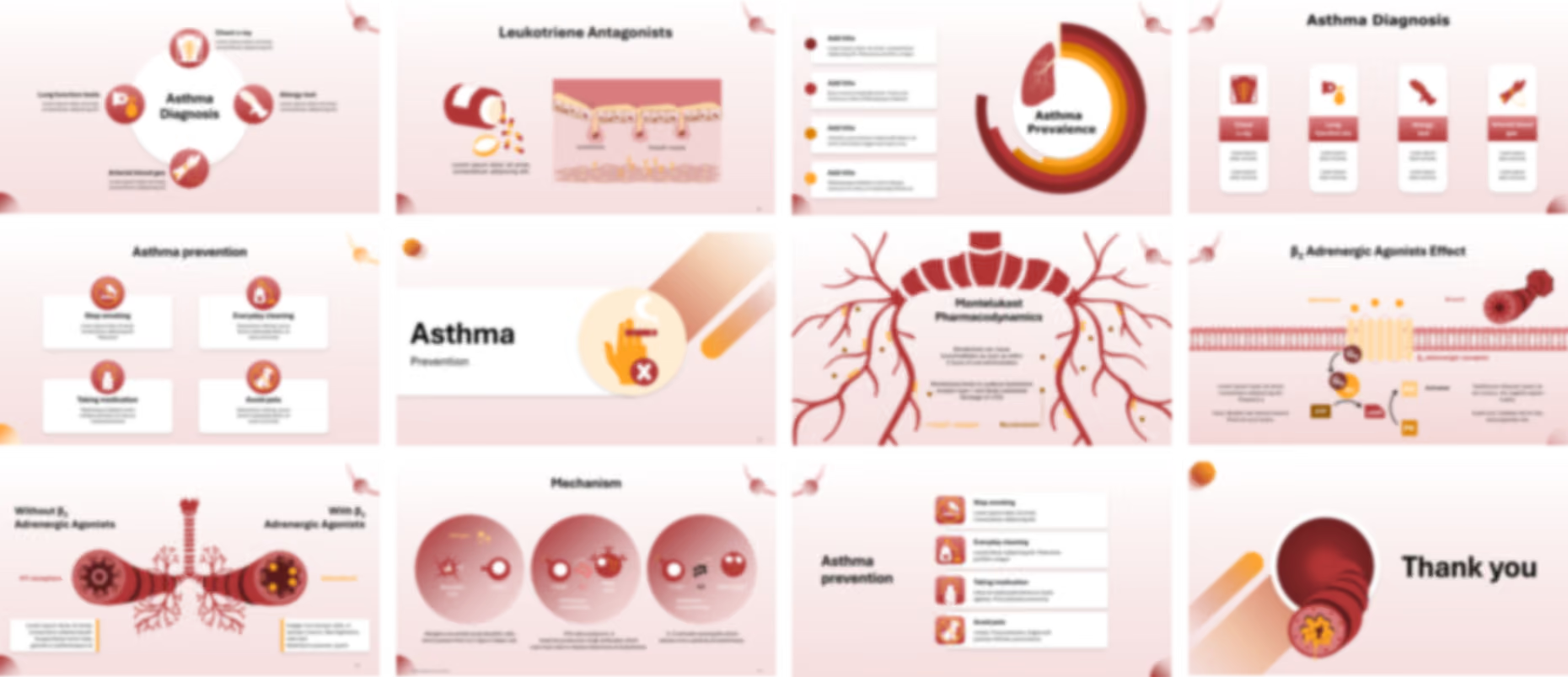
The presentation template closes with diagnostic slides mapping four testing methods, including lung function tests, chest x-ray, and allergy testing, before treatment content details leukotriene antagonists and beta agonists at the cellular level, contrasting constricted and widened airways with medication. Editable PowerPoint slides then cover four prevention strategies, from smoking cessation to pet avoidance, ending with a closing thank you slide.
Ready To Transform Your Presentation ?
Pay once, use forever