Astigmatism PowerPoint Template

Astigmatism PowerPoint Template
No items found.

Astigmatism Presentation: Medical PowerPoint Template

  • The Astigmatism PPT template is a dynamic medical PowerPoint template that will help you realize the full potential of your presentation.
  • RxSlides astigmatism template includes medical animations and infographics, which will attract your audience.
  • You can rely on our demonstrated infographics to give your audience a dynamic and appealing Astigmatism presentation.
  • RxSlides ophthalmology presentation templates  offer a variety of customizable PPTs to help you make an informative and visually appealing presentation.

Astigmatism PowerPoint Template Content

Slide 1 - Astigmatism Introduction (Title Slide)

Astigmatism Introduction (Title Slide)
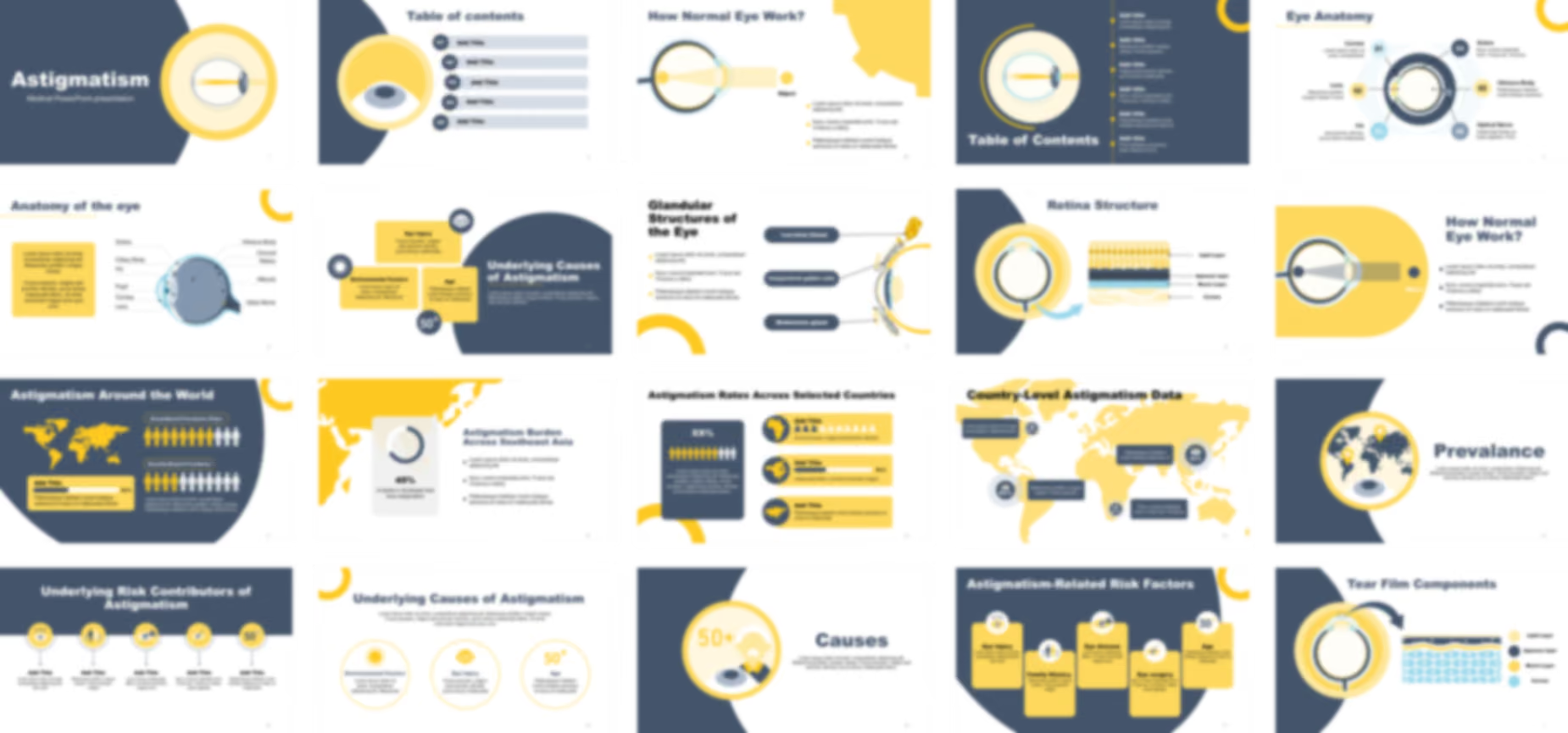
  • introduces your presentation on Astigmatism using a clean, modern, and engaging design.
  • The slide features a large, stylized graphic of an eye cross-section.

Slide 2 - Table of Contents (Navigation)

Table of Contents (Navigation)
  • outlines the presentation and help navigate the five core sections of your topic.
  • The layout features numbered title boxes and a consistent eye graphic, which immediately captures audience attention and maintains the ophthalmology theme throughout the presentation.

Slide 3 - Detailed Table of Contents (Content Overview)

Detailed Table of Contents (Content Overview)
  • provides a clear overview of the six main topics you will cover.
  • The slide features the central eye graphic, with the light rays incorrectly focusing (typical of astigmatism).

Slide 4 - The Eye (Anatomy Focus)

The Eye (Anatomy Focus)
  • introduces the relevant anatomy of the eye.
  • The slide features a large, detailed cross-section graphic focusing on the front structure of the eye, which expertly connects the topic to the visual component.

Slide 5 - Eye Anatomy (Labeled Diagram)

Eye Anatomy (Labeled Diagram)
  • defines and label the six critical parts of the eye.
  • The slide features a highly effective, circular diagram with callouts for the Cornea, Lens, Iris, Sclera, Vitreous Body, and Optical Nerve.

Slide 6 - Anatomy of the Eye (Detailed Diagram)

Anatomy of the Eye (Detailed Diagram)
  • Shows the full structure of the eye, labeling advanced components like the retina, choroid, and macula.
  • The slide features a large, detailed, labeled cross-section of the eye, providing the foundational knowledge necessary to discuss complex vision issues like astigmatism.

Slide 7 - Tear Film Components (Layer Detail)

Tear Film Components (Layer Detail)
  • Shows three essential layers of the tear film (Lipid, Aqueous, Mucin).
  • The slide features a large, magnified illustration that expertly separates the components, connecting the eye cross-section to the layered diagram for high visual clarity.

Slide 8 - Retina Structure (Layer Detail)

Retina Structure (Layer Detail)
  • Shows the layered structure of the retina, providing essential anatomical detail about the light-sensing part of the eye.
  • shows the different retinal cell layers in detail, connecting the large eye cross-section to the microscopic view for high visual clarity.

Slide 9 - Glandular Structures of the Eye (Secretory Detail)

Glandular Structures of the Eye (Secretory Detail)
  • identify the three major glands involved in eye lubrication: the Lacrimal, Conjunctival, and Meibomian glands.
  • The slide features a large, labeled cross-section of the eye's front, which expertly isolates and highlights these crucial structures responsible for tear film creation.

Slide 10 - Prevalence (Geographic Data)

Prevalence (Geographic Data)
  • illustrates the global prevalence or key study locations related to Astigmatism, providing a geographic context for your data.
  • The slide features a world map with large location pins inside the prominent eye graphic, which expertly connects global data to the medical focus.

Slide 11 - Astigmatism Around the World (Global Data)

Astigmatism Around the World (Global Data)
  • presents Astigmatism prevalence using a world map and comparative charts, making complex data easy for your audience to digest.
  • The layout clearly separates data into Group-Based and Severity-Based Prevalence, utilizing human silhouette icons for powerful visual comparison.

Slide 12 - Astigmatism Burden Across Southeast Asia (Data Focus)

Astigmatism Burden Across Southeast Asia (Data Focus)
  • highlights the 45% burden of astigmatism among adults in Southeast Asia, instantly adding a powerful statistic to your presentation.
  • The slide features a large map graphic and a percentage donut chart, which expertly combines geographical context with clear visual data representation.

Slide 13 - Astigmatism Rates Across Selected Countries (Comparative Data)

Astigmatism Rates Across Selected Countries (Comparative Data)
  • shows Astigmatism rates across different regions.
  • The layout features a large demographic box for a main data point and three smaller sections with map icons.

Slide 14 - Country-Level Astigmatism Data (Global Map)

Country-Level Astigmatism Data (Global Map)
  • presents specific astigmatism prevalence data for various countries and continents in a single.
  • The layout features a large, dominant world map with five strategic callout boxes.

Slide 15 - Risk Factors (Key Alert)

Risk Factors (Key Alert)
  • highlights the key risk factors associated with astigmatism.
  • The design uses a striking magnifying glass and exclamation point graphic.

Slide 16 - Underlying Risk Contributors (Key Factors)

Underlying Risk Contributors (Key Factors)
  • itemizes the five major underlying risk factors contributing to Astigmatism, such as genetics, age, and pre-existing conditions.
  • The design uses a clean, horizontal layout with five distinct, numbered icons (including a family and an age marker).

Slide 17 - Astigmatism-Related Risk Factors (Five Key Alerts)

Astigmatism-Related Risk Factors (Five Key Alerts)
  • itemizes and explain five critical risk factors for astigmatism, including Family History, Eye Injury, and Age over 50.
  • The design uses five bold, vertical blocks with distinct icons to easily separate information.

Slide 18 - Causes (Age Focus)

Causes (Age Focus)
  • introduces the primary causes of astigmatism, emphasizing how age, represented by the "50+" marker, is a critical contributing factor.
  • The design features a large, stylized graphic of an older adult's profile alongside an eye, instantly linking the concept of aging to changes in ocular structure.

Slide 19 - Underlying Causes of Astigmatism (Three Key Factors)

Underlying Causes of Astigmatism (Three Key Factors)
  • to details three primary causes of astigmatism: Environmental Factors, Eye Injury, and Age (50+), ensuring your audience understands the etiology.
  • The design uses large, bold circular icons for Sun/Environment, Eye Trauma, and Age (50+).

Slide 20 - Underlying Causes of Astigmatism (Three Key Factors)

Underlying Causes of Astigmatism (Three Key Factors)
  • outlines the three primary causes of astigmatism: Environmental Factors, Eye Injury, and Age (50+).
  • The layout features three bold, separate information blocks, instantly isolating the key causative factors for clear visual communication.

Slide 21 - Mechanism (Process Focus)

Mechanism (Process Focus)
  • You can use this impactful slide to clearly explain the underlying mechanism or process of astigmatism using a compelling visual metaphor.
  • The design features a large graphic of interlocking gears with lightning bolts, which instantly conveys the complexity, power, and interaction of the biological systems involved.

Slide 22 - How Normal Eye Works (Function Focus)

How Normal Eye Works (Function Focus)
  • You can use this foundational slide to clearly illustrate how a healthy eye focuses light, providing the necessary baseline for explaining the functional deficit of astigmatism.
  • The design features a large, simple diagram showing light rays from an Object successfully converging to a single point on the retina for clear vision.

Slide 23 - How Normal Eye Works (Function Focus - Dark Background)

How Normal Eye Works (Function Focus - Dark Background)
  • You can use this foundational slide to clearly illustrate how a healthy eye focuses light, providing the necessary baseline for explaining the functional deficit of astigmatism.
  • The design features a large, simple diagram showing light rays from an Object successfully converging to a single point on the retina, using a color scheme to emphasize the light path.

Slide 24 - How the Eye Becomes Astigmatic (Mechanism of Defect)

How the Eye Becomes Astigmatic (Mechanism of Defect)
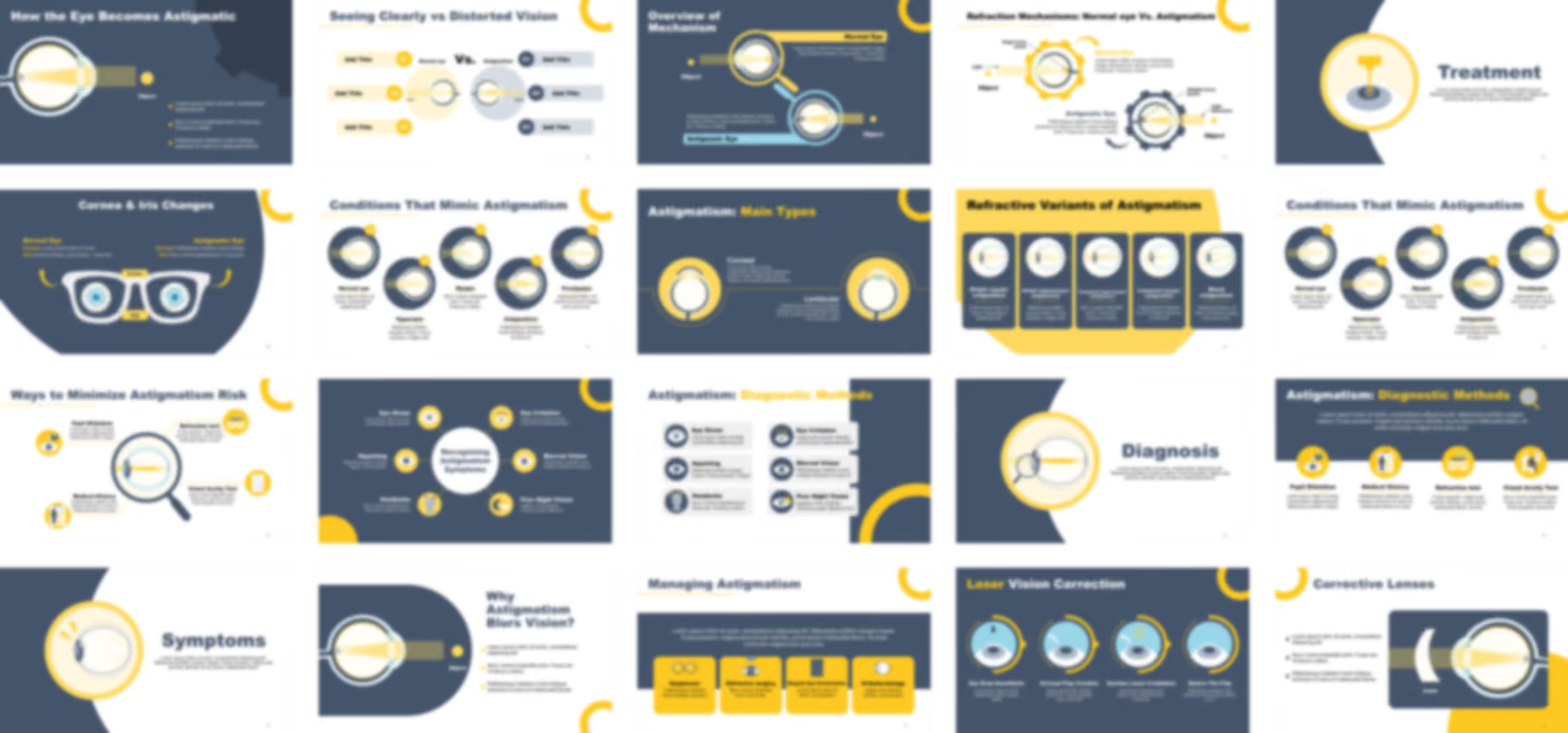
  • You can use this critical slide to clearly illustrate the optical defect of astigmatism, showing how the irregular shape prevents light from converging to a single, sharp focus.
  • The design features a large, clear diagram where light rays from an Object fail to meet properly on the retina, visually explaining the source of blurred vision.

Slide 25 - Why Astigmatism Blurs Vision? (Mechanism of Blur)

Why Astigmatism Blurs Vision? (Mechanism of Blur)
  • You can use this critical slide to clearly explain why astigmatism causes blurred vision, using a powerful visual of the light rays failing to form a single, sharp focus on the retina.
  • The design features a large, clear diagram showing light rays scattering instead of converging, which instantly illustrates the core optical problem to your audience.

Slide 26 - Overview of Mechanism (Normal vs. Astigmatic Eye)

Overview of Mechanism (Normal vs. Astigmatic Eye)
  • You can use this powerful comparison slide to instantly clarify the difference between Normal Vision and Astigmatic Vision using two distinct, easy-to-understand visual representations.
  • The design features two magnified graphics contrasting the light path: one showing proper focus (Normal Eye) and one showing improper focus (Astigmatic Eye).

Slide 27 - Refraction Mechanisms (Direct Comparison)

Refraction Mechanisms (Direct Comparison)
  • You can use this powerful comparison slide to instantly clarify the refraction mechanism difference between a Normal Eye (single focus) and an Astigmatic Eye (multiple focus points).
  • The design uses large, gear-themed graphics to contrast the two states, making the technical concept of light focus immediately understandable to your audience.

Slide 28 - Normal vs. Distorted Vision (Triple Comparison)

Normal vs. Distorted Vision (Triple Comparison)
  • You can use this ultimate comparison slide to directly contrast three key differences between a Normal eye and an Astigmatic eye, ensuring your audience grasps the concept of distorted vision instantly.
  • The design uses a side-by-side layout with large, clear eye diagrams and three numbered sections on each side, which makes presenting complex technical data highly structured and easy to follow.

Slide 29 - Cornea & Iris Changes (The Visual Difference)

Cornea & Iris Changes (The Visual Difference)
  • You can use this highly effective comparison slide to visually contrast the subtle differences in the Cornea and Iris between a Normal Eye and an Astigmatic Eye.
  • The design utilizes a central eyeglasses graphic to symbolize correction and uses clear callouts to highlight the two key anatomical structures being compared side-by-side.

Slide 30 - Types (Classification Overview)

Types (Classification Overview)
  • You can use this impactful slide to clearly introduce the different types or classifications of astigmatism, signaling to your audience a shift into more detailed diagnostic criteria.
  • The slide features a prominent eye graphic illustrating multiple light rays failing to converge to a single point, visually preparing the audience for the upcoming technical details.

Slide 31 - Astigmatism: Main Types (Corneal vs. Lenticular)

Astigmatism: Main Types (Corneal vs. Lenticular)
  • You can use this essential slide to clearly differentiate between the two main types of astigmatism: Corneal and Lenticular, ensuring your audience understands the anatomical origins of the condition.
  • The design features two dedicated eye diagrams, clearly separating the Corneal and Lenticular types, which visually aids in distinguishing the causes of the refractive error.

Slide 32 - Refractive Variants of Astigmatism (Five Categories)

Refractive Variants of Astigmatism (Five Categories)
  • You can use this critical slide to clearly categorize the five specific refractive variants of astigmatism, including Simple Myopic, Compound Hypermyopic, and Mixed Astigmatism.
  • The design features five distinct vertical blocks, each containing a labeled eye diagram that visually illustrates how the light focuses for that specific variant.

Slide 33 - Conditions That Mimic Astigmatism (Differential Diagnosis)

Conditions That Mimic Astigmatism (Differential Diagnosis)
  • You can use this powerful comparison slide to distinguish astigmatism from four other major refractive errors including Myopia, Hyperopia, and Presbyopia, ensuring complete clarity on differential diagnosis.
  • The design features five labeled, circular eye diagrams that visually illustrate the distinct light-focusing patterns for each condition in a clean, sequential flow.

Slide 34 - Symptoms (Audience Alert)

Symptoms (Audience Alert)
  • You can use this impactful slide to clearly detail the key symptoms of astigmatism, such as pain, headaches, or distorted vision, ensuring your audience knows what to look for.
  • The design features a prominent eye graphic with lightning bolts near the pupil, which instantly conveys a feeling of pain or distress and highlights the section's importance.

Slide 35 - Recognizing Astigmatism Symptoms (Symptom Wheel)

Recognizing Astigmatism Symptoms (Symptom Wheel)
  • You can use this highly effective symptom wheel to clearly detail six major symptoms of astigmatism, including Headaches, Blurred Vision, and Poor Night Vision, ensuring comprehensive patient awareness.
  • The design utilizes a central connecting point and six surrounding icons (like the crescent moon for night vision) to create an engaging and easy-to-read summary of clinical signs.

Slide 36 - Astigmatism: Diagnostic Methods (Testing Overview)

Astigmatism: Diagnostic Methods (Testing Overview)
  • You can use this critical slide to clearly detail six key diagnostic methods for astigmatism, including tests for Eye Strain, Blurred Vision, and Poor Night Vision.
  • The design utilizes six distinct, labeled icon blocks in a clean two-column layout, ensuring all important testing criteria are easy for your audience to process.

Slide 37 - Diagnosis (Visual Testing)

Diagnosis (Visual Testing)
  • You can use this impactful slide to clearly introduce the diagnostic phase of the presentation, emphasizing that visual testing and examination are crucial for identifying astigmatism.
  • The design features a prominent eye graphic with a magnifying glass focused on the light path, visually symbolizing the detailed examination process required for diagnosis.

Slide 38 - Astigmatism: Diagnostic Procedures (Testing Methods)

Astigmatism: Diagnostic Procedures (Testing Methods)
  • You can use this critical slide to clearly detail four key diagnostic procedures for astigmatism: Pupil Dilatation, Medical History, Refraction Test, and Visual Acuity Test.
  • The design utilizes four distinct yellow icon blocks in a clean horizontal layout, ensuring all important testing methods are easy for your audience to process.

Slide 39 - Ways to Minimize Astigmatism Risk (Preventative Care)

Ways to Minimize Astigmatism Risk (Preventative Care)
  • You can use this critical slide to clearly detail four key methods for minimizing astigmatism risk, including the Refraction Test, Visual Acuity Test, Medical History, and Pupil Dilatation.
  • The design uses a central eye and magnifying glass graphic, with four surrounding labeled icon blocks, which visually emphasizes the importance of thorough clinical assessment.

Slide 40 - Treatment (Intervention Focus)

Treatment (Intervention Focus)
  • You can use this impactful slide to clearly introduce the treatment options for astigmatism, signaling a transition from diagnosis to corrective measures.
  • The design features a prominent eye graphic with a laser beam illustration, visually symbolizing surgical intervention like LASIK or similar corrective procedures.

Slide 41 - Managing Astigmatism (Treatment Options)

Managing Astigmatism (Treatment Options)
  • You can use this critical slide to clearly detail the four main management and treatment options for astigmatism, including Eyeglasses, Refractive Surgery, Regular Eye Examination, and Orthokeratology.
  • The design utilizes four distinct yellow icon blocks in a clean horizontal layout, ensuring all important corrective and management strategies are easy for your audience to process.

Slide 42 - Laser Vision Correction (Surgical Steps)

Laser Vision Correction (Surgical Steps)
  • You can use this critical slide to clearly detail the four main steps of laser vision correction, including Eye Drop Anesthesia, Corneal Flap Creation, Excimer Laser Irradiation, and Return The Flap.
  • The design utilizes four distinct circular illustrations in a sequential flow, ensuring all steps of the surgical procedure are easy for your audience to follow.

Slide 43 - Improving Vision With Laser (Surgical Steps)

Improving Vision With Laser (Surgical Steps)
  • You can use this critical slide to clearly detail the four sequential steps of laser vision correction, from Eye Drop Anesthesia to the final return of the Corneal Flap.
  • The design utilizes four distinct, numbered circular illustrations in a sequential flow, ensuring all stages of the surgical procedure are easy for your audience to follow.

Slide 44 - Corrective Lenses (Non-Surgical Fix)

Corrective Lenses (Non-Surgical Fix)
  • You can use this critical slide to clearly illustrate how a corrective lens works to properly focus light onto the retina, offering a non-surgical solution for astigmatism.
  • The design features a large, clear diagram showing the lens compensating for the eye's shape, which results in the light rays successfully converging to a single point.

Slide 45 - Artificial Lens Implantation (Surgical Steps)

Artificial Lens Implantation (Surgical Steps)
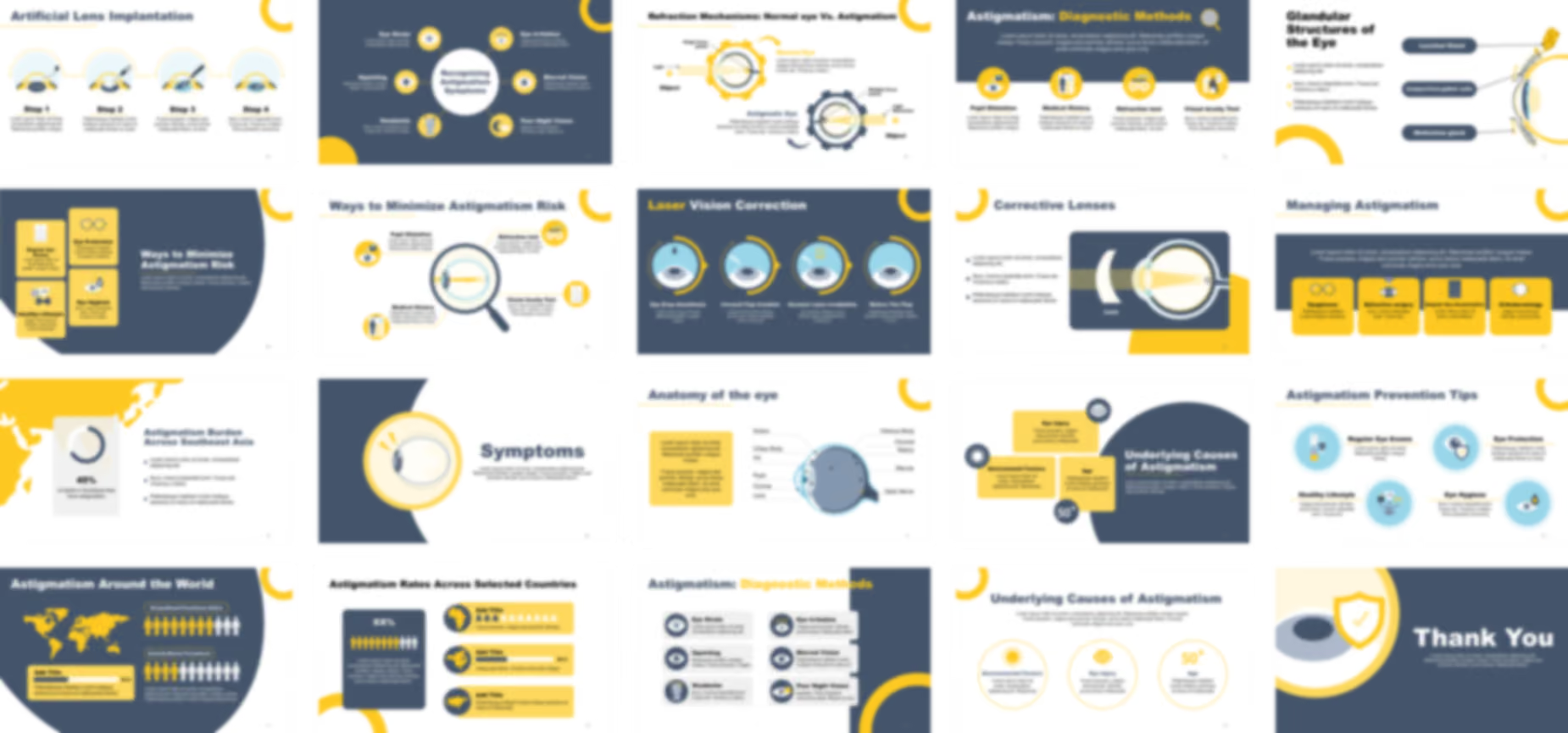
  • You can use this critical slide to clearly detail the four sequential steps of Artificial Lens Implantation, focusing on the advanced surgical process for permanent vision correction.
  • The design utilizes four distinct circular illustrations in a sequential flow, ensuring all stages of the complex lens implantation procedure are easy for your audience to follow.

Slide 46 - Prevention (Protective Care)

Prevention (Protective Care)
  • You can use this impactful slide to clearly introduce the topic of prevention for astigmatism, urging your audience to take proactive steps for eye health.
  • The design features a prominent hand holding a heart with an eye inside, visually symbolizing care, protection, and preventative measures for vision.

Slide 47 - Ways to Minimize Astigmatism Risk (Preventative Care)

Ways to Minimize Astigmatism Risk (Preventative Care)
  • You can use this critical slide to clearly detail four key preventative measures for minimizing astigmatism risk: Regular Eye Exams, Eye Protection, Eye Hygiene, and a Healthy Lifestyle.
  • The design utilizes four distinct yellow blocks with clear icons (like a Snellen chart and safety glasses), which visually emphasize proactive steps for eye health.

Slide 48 - Astigmatism Prevention Tips (Final Takeaway)

Astigmatism Prevention Tips (Final Takeaway)
  • You can use this impactful final slide to reinforce four key preventative tips for maintaining eye health: Regular Eye Exams, Eye Protection, Healthy Lifestyle, and Eye Hygiene.
  • The design utilizes four distinct icons (including a Snellen chart, safety shield, and lifestyle graphics) to create a clear, actionable summary of essential protective measures.

Slide 49 - Thank You (Conclusion)

Thank You (Conclusion)
  • You can use this professional and clean conclusion slide to wrap up your presentation and thank your audience for their attention.
  • The design features a large graphic of a shield with a checkmark positioned over the eye, visually symbolizing the successful protection or resolution of the eye issue.

Features of the Template

- 100% editable PowerPoint template.
- Editable colors, you can change according to your presentation style and company branding guidelines.